SECANDA Print everywhere
Print your people's cards on one or more printers, straight from SECANDA Suite.
Manage your card production simply
Print and encode your cards one at a time or in whole batches, and follow each one until it is handed over.
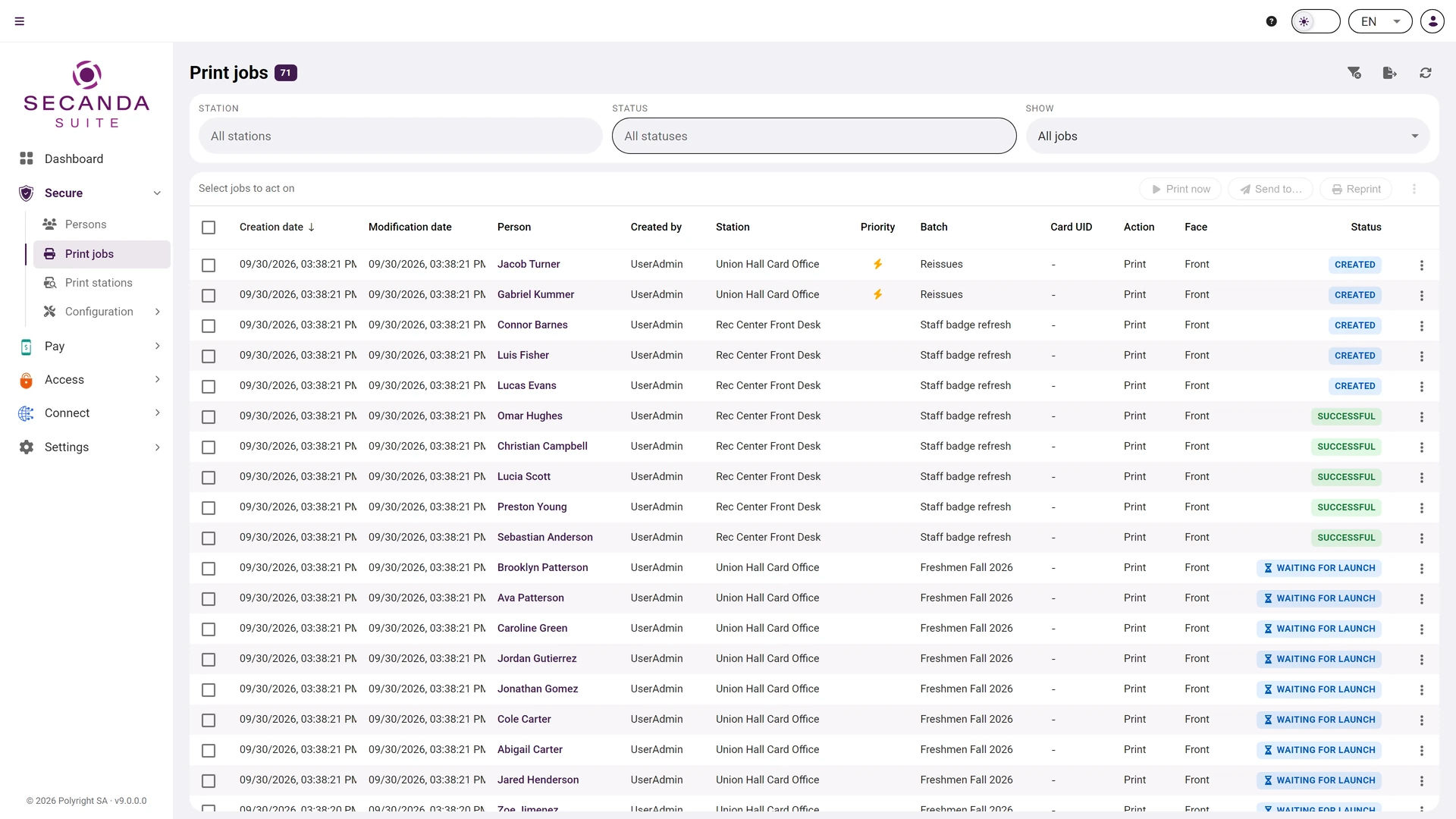
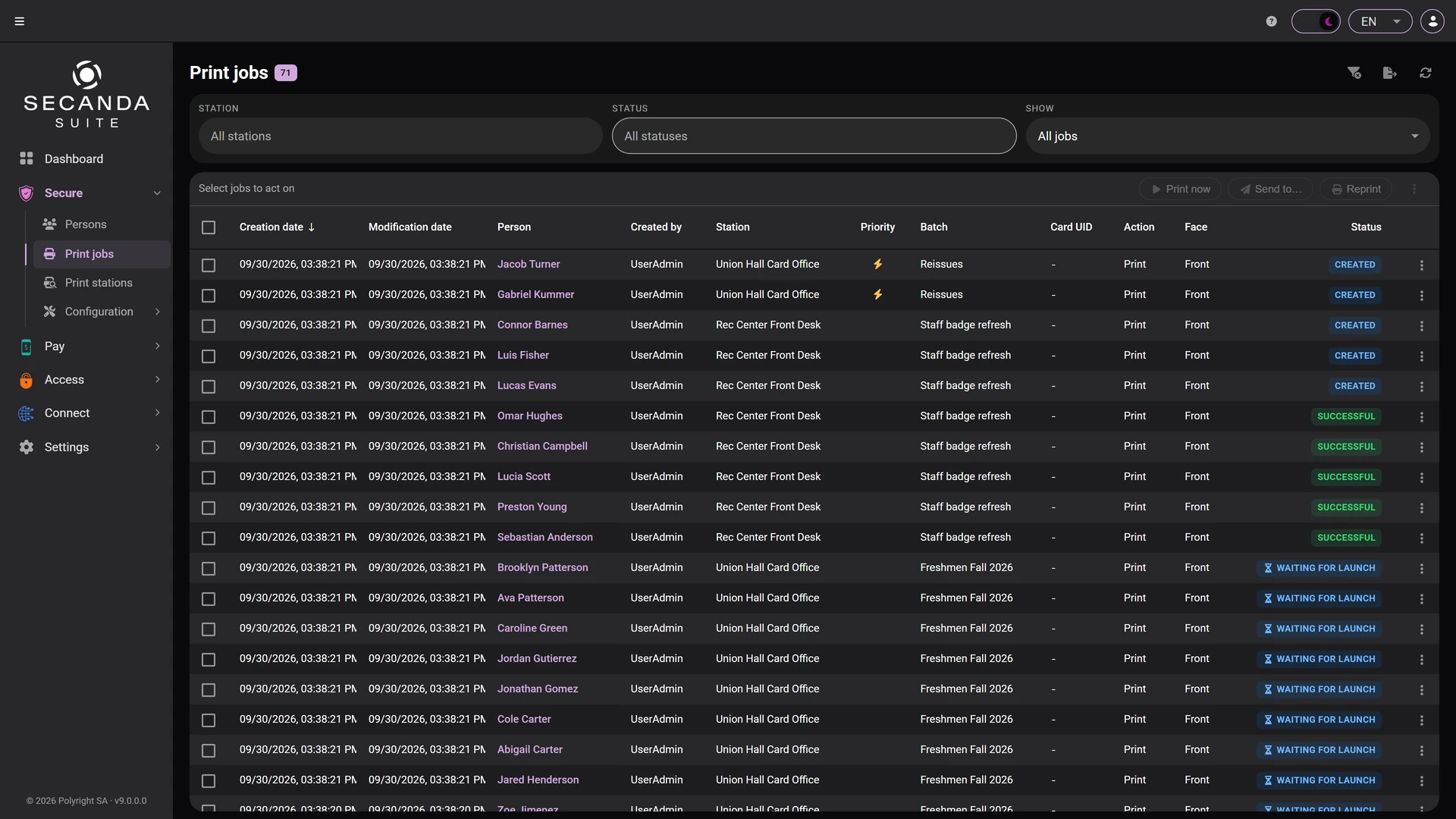
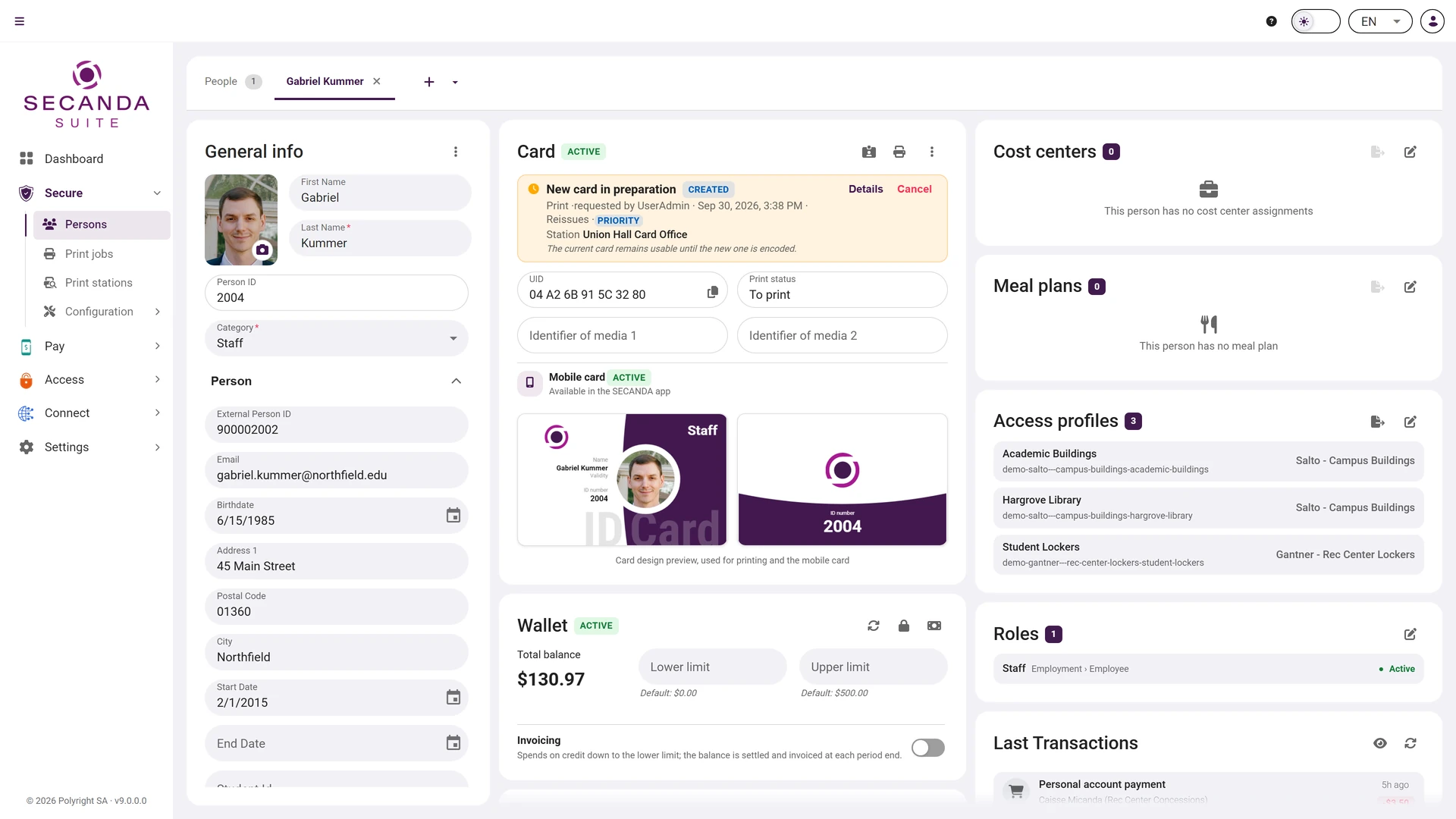
Urgent cards
An urgent card can be printed before the end of a batch in progress.
Tracking and reprints
The status of every card is shown, from the request to printing. A badly printed card is reprinted in one click.
Several sites
Install one printer at reception, another in HR or on another campus. Each card is printed at the site where it will be handed out.
Printer status
You can see whether each printer is ready, printing or in error, and when its ribbon is running out.
Cover letter
A personalised letter can be printed with each card, ready to go in the envelope.
Check before printing
Check a card before it goes to print, or let it print straight away.
From request to handover
-
Request
From a person's file or for a whole group.
-
Printing and encoding
The card comes out printed and encoded on the site's printer.
-
Handover
The card is ready to be handed to its holder.
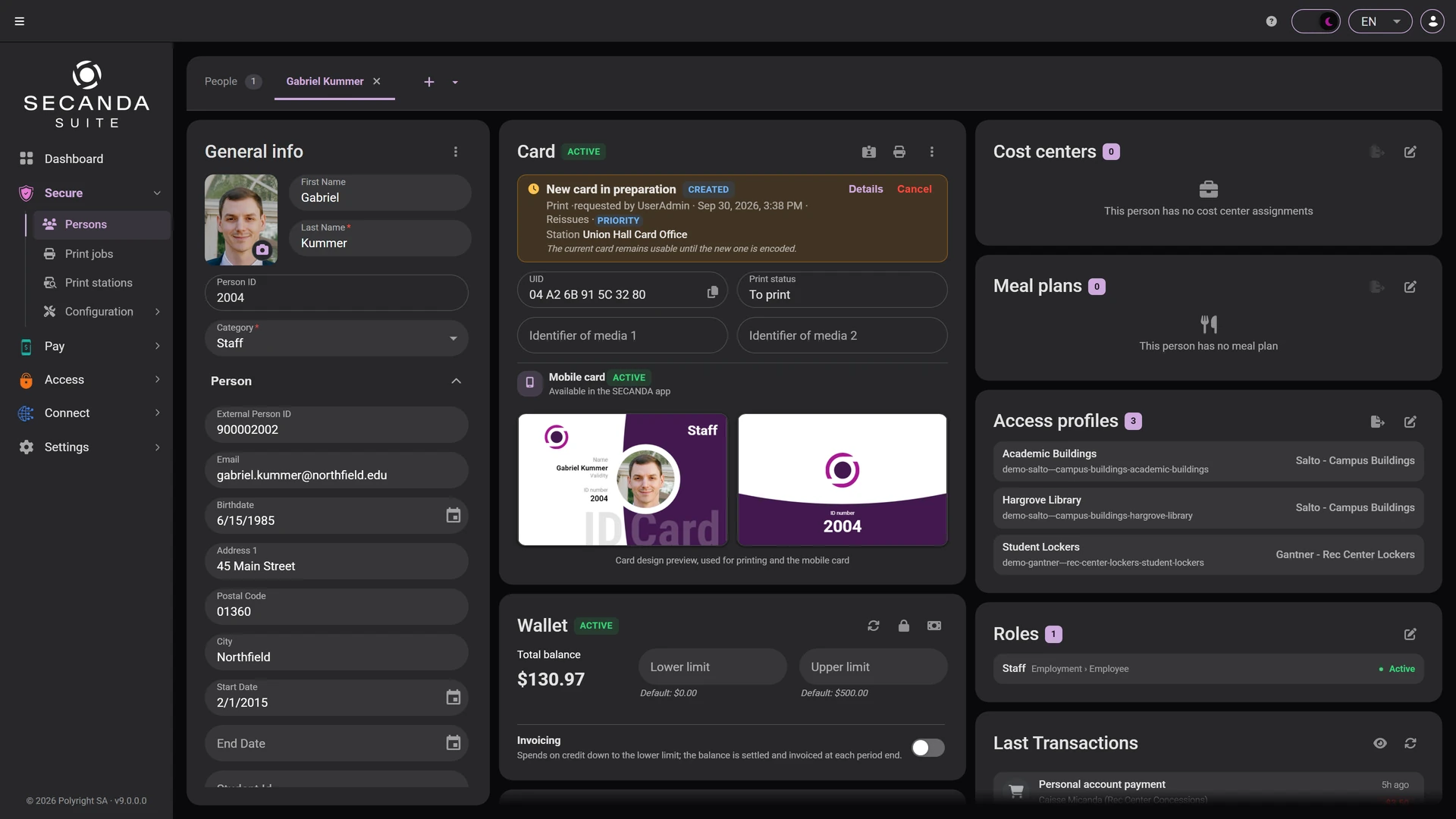
Request a card, at your desk or on the move
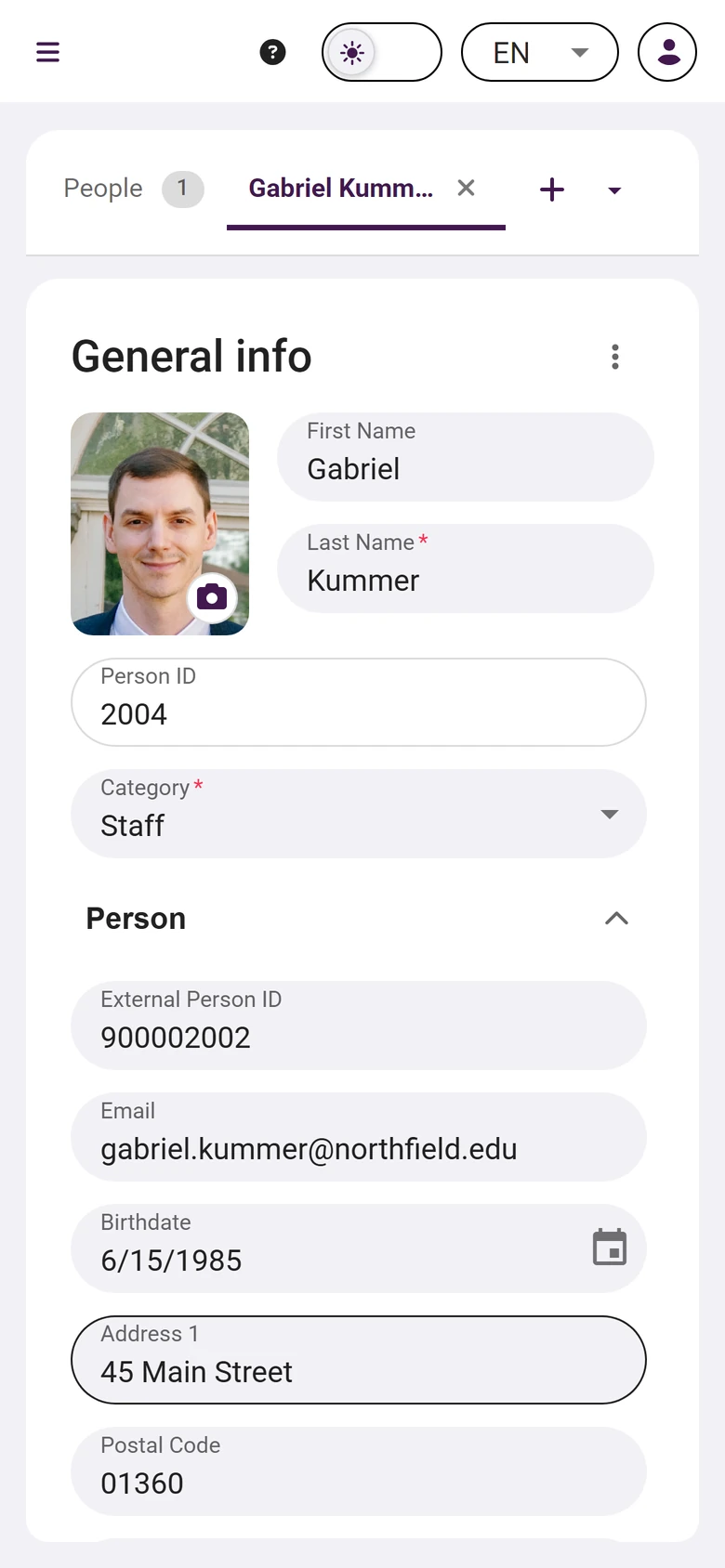
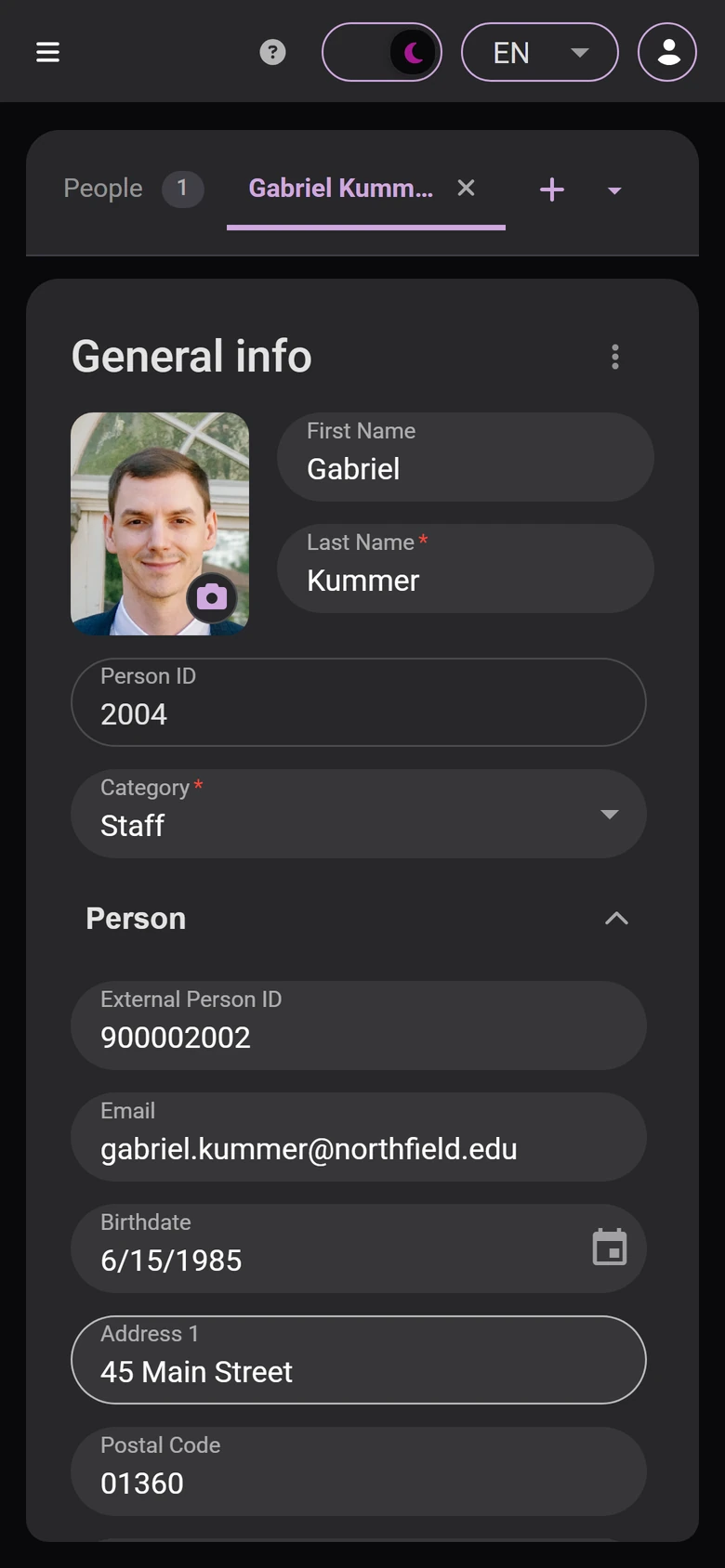
Request a card from a person's file, or in batches from the list, at your desk or from a browser on a phone.
One site or several
You can start with a single printer and add other sites later.
- Your people and their photos
- Your card designs
- Tracking every card
Print station
- Printer 1
- Printer 2
Print station
- Printer 3
- Printer 4
Print station
- Printer 5
Want to see card printing at work?
All it takes is a PC connected to the printer. We take care of the installation.