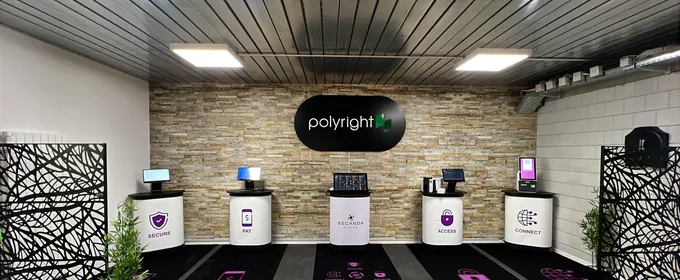
Take payments anywhere with Payment Terminal
The Android app that turns a smartphone or a terminal into a checkout point. RFID card, mobile payment or TWINT, in just seconds.
How it works
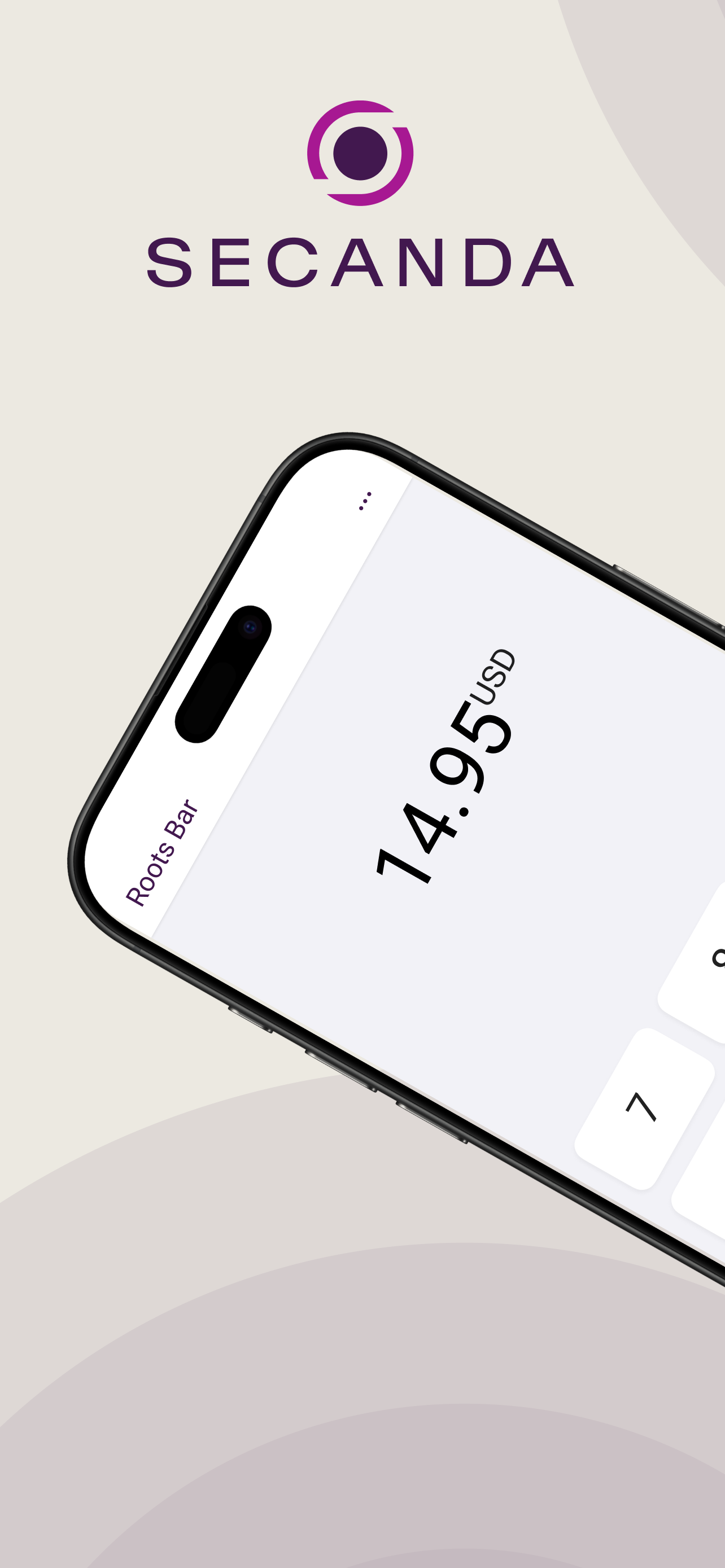
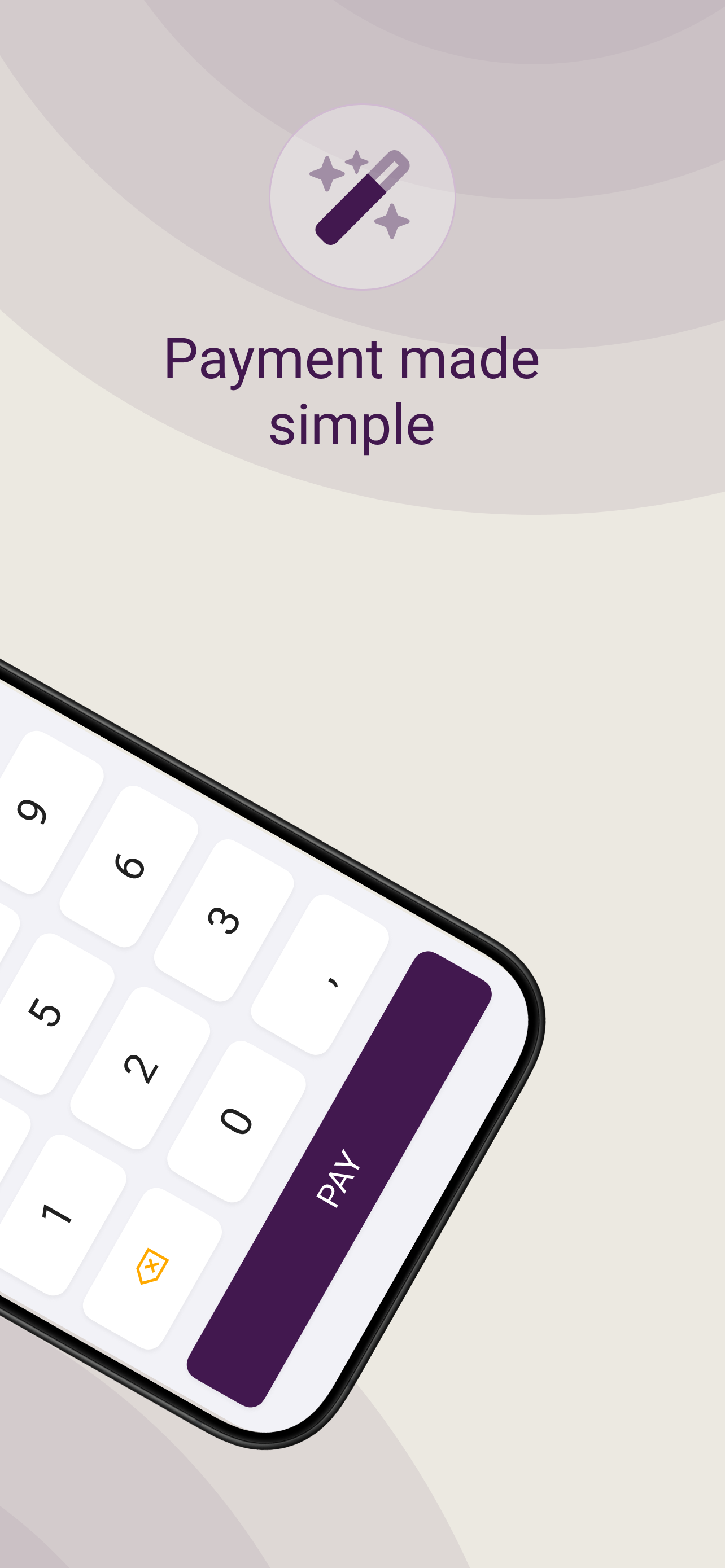
Enter the amount
Open the app and type in the amount to charge.
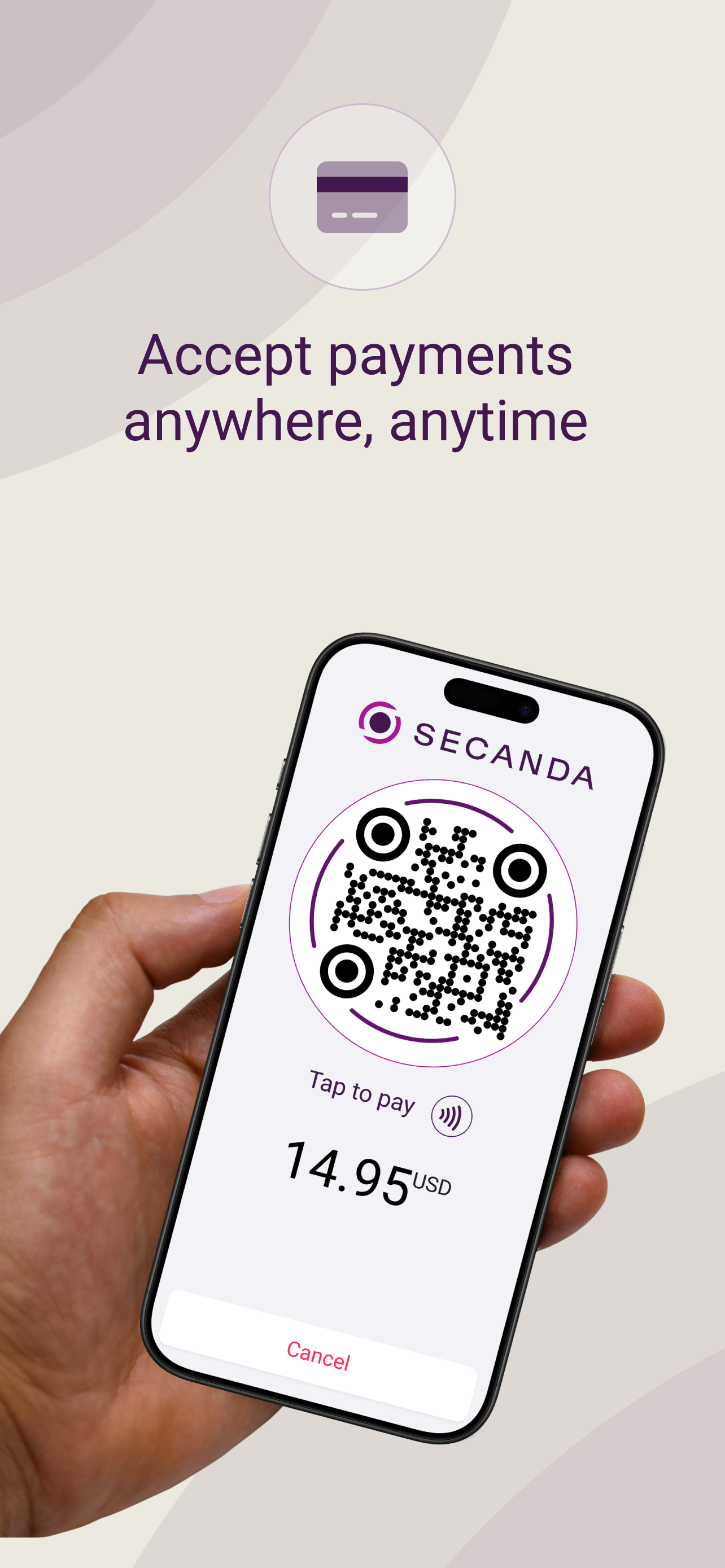
The customer pays
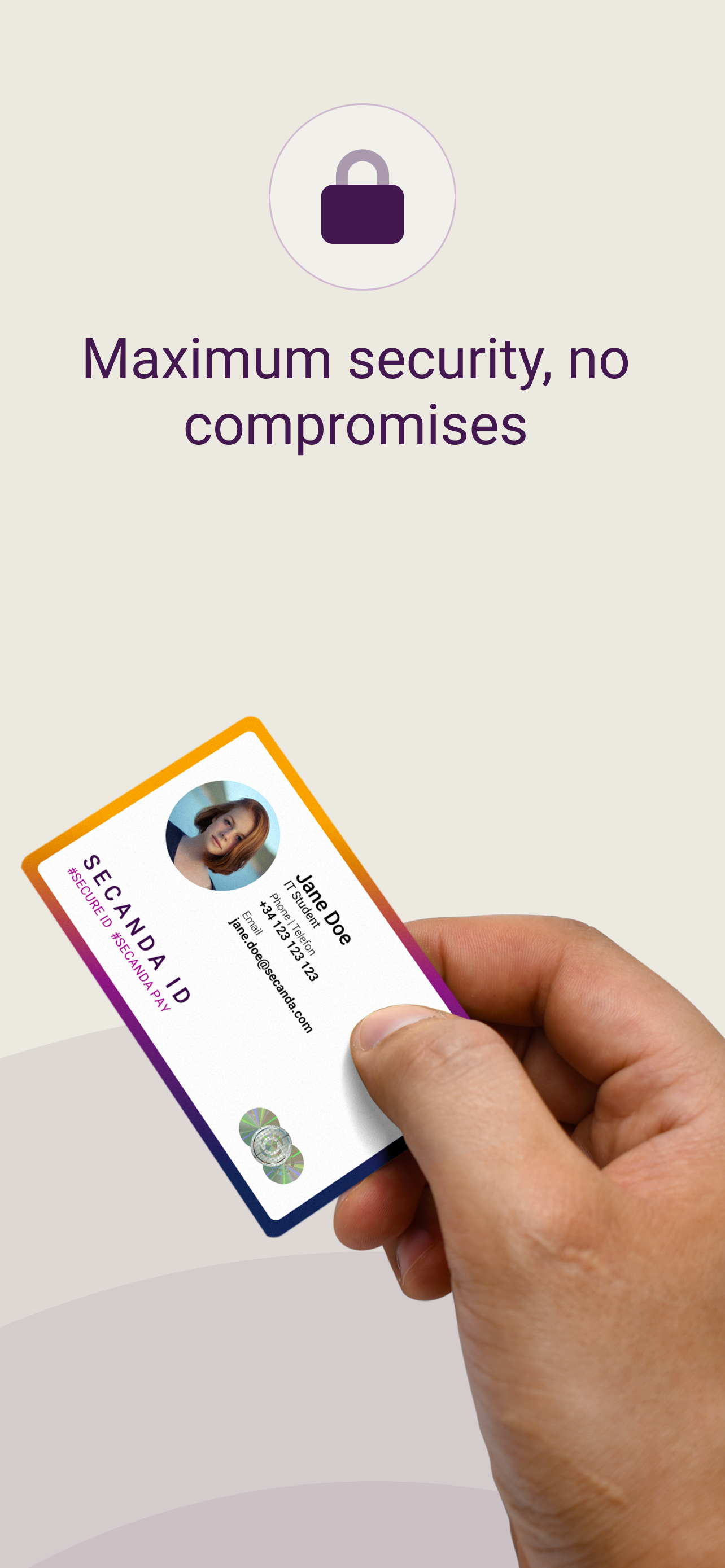
They present their RFID card or scan the SECANDA or TWINT QR code shown on screen.
Instant payment
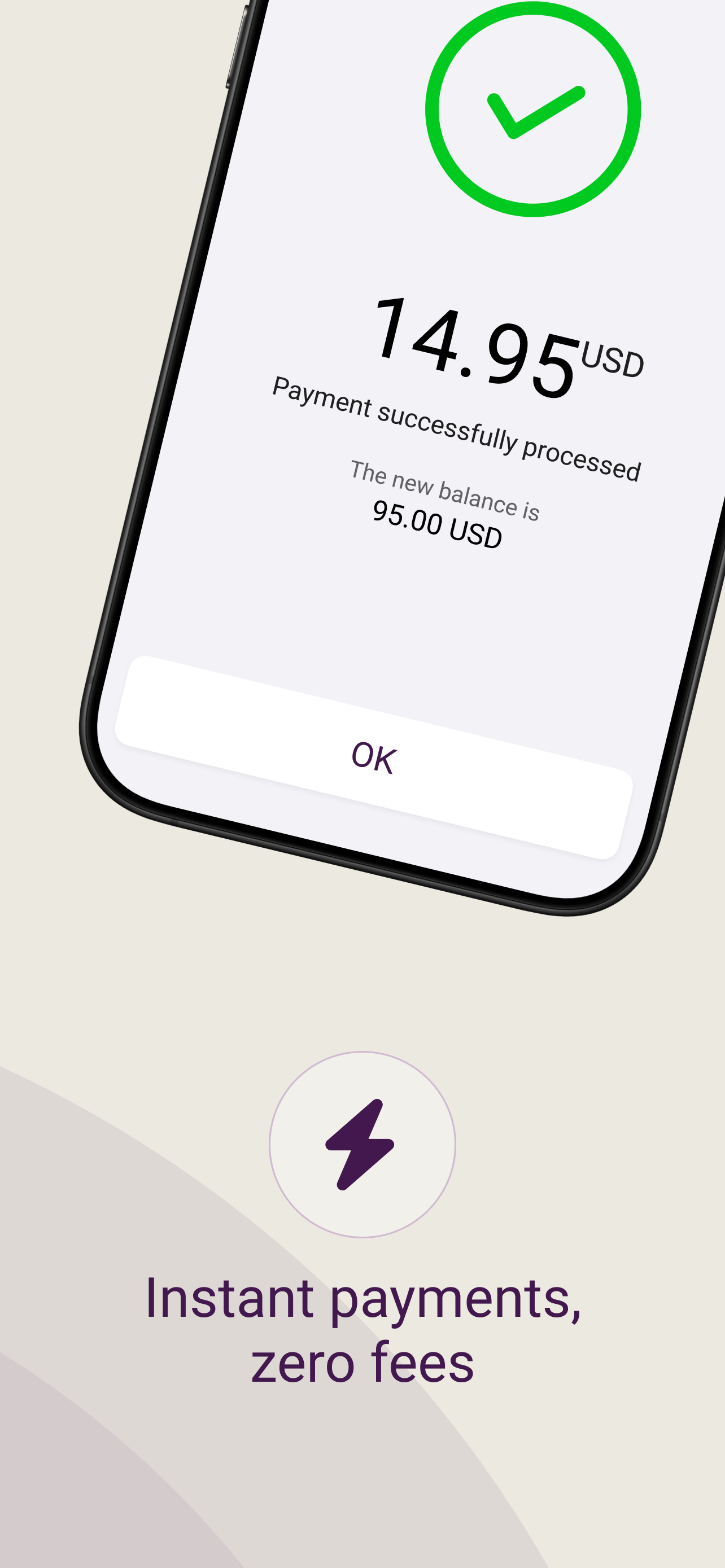
The payment is confirmed instantly and recorded in your transactions.
Two ways to use it
The same app adapts to your situation.
Attended checkout
A staff member takes payment from a smartphone or a dedicated terminal: stand, refreshment bar, counter, event or mobile service.
Self-service on a vending machine
Installed on the SECANDA terminal connected over MDB, the app automatically charges purchases from a vending machine, with no staff.
Discover the terminal →Need a full point-of-sale system, with item management, receipts and a cash drawer? Discover Micanda POS →
Everything you need to take payments
Every payment method
RFID card, SECANDA mobile app or TWINT, whichever the customer prefers.
Top-up and refund
Credit an account or refund a balance directly from the app.
Transaction history
Review the full list of payments and find every transaction.
Unified back office
Every transaction flows into SECANDA Pay: a single back office and centralized reporting.
On your hardware, in your ecosystem
Payment Terminal works with what you already have and integrates with the SECANDA platform.
The app in pictures
An interface built to take payments in seconds.
Payments, without the complexity
Schedule a demo and try Payment Terminal on your own hardware.