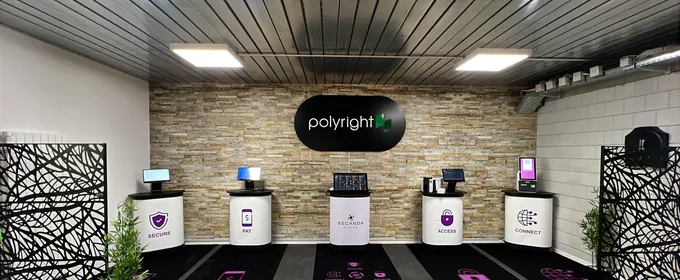

The POS that fits your environment
A point-of-sale system natively connected to SECANDA, designed for every sales context. Fast, reliable, ready to use.
A register built for the front line
Micanda POS is a fully integrated cash register designed for cafeterias, restaurants, snack bars and every kind of service point – from campuses to hospitals, from corporate sites to leisure venues.
Micanda talks directly to SECANDA: no middleware, no complex integration. Plug it in and it's ready.
They chose Micanda POS




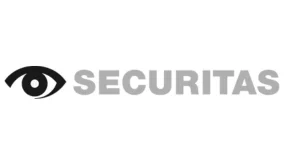






Designed for daily work at your registers
Everything your points of sale need
Instant sync
Transactions are instantly synchronized with the server and all other registers.
Intuitive touch interface
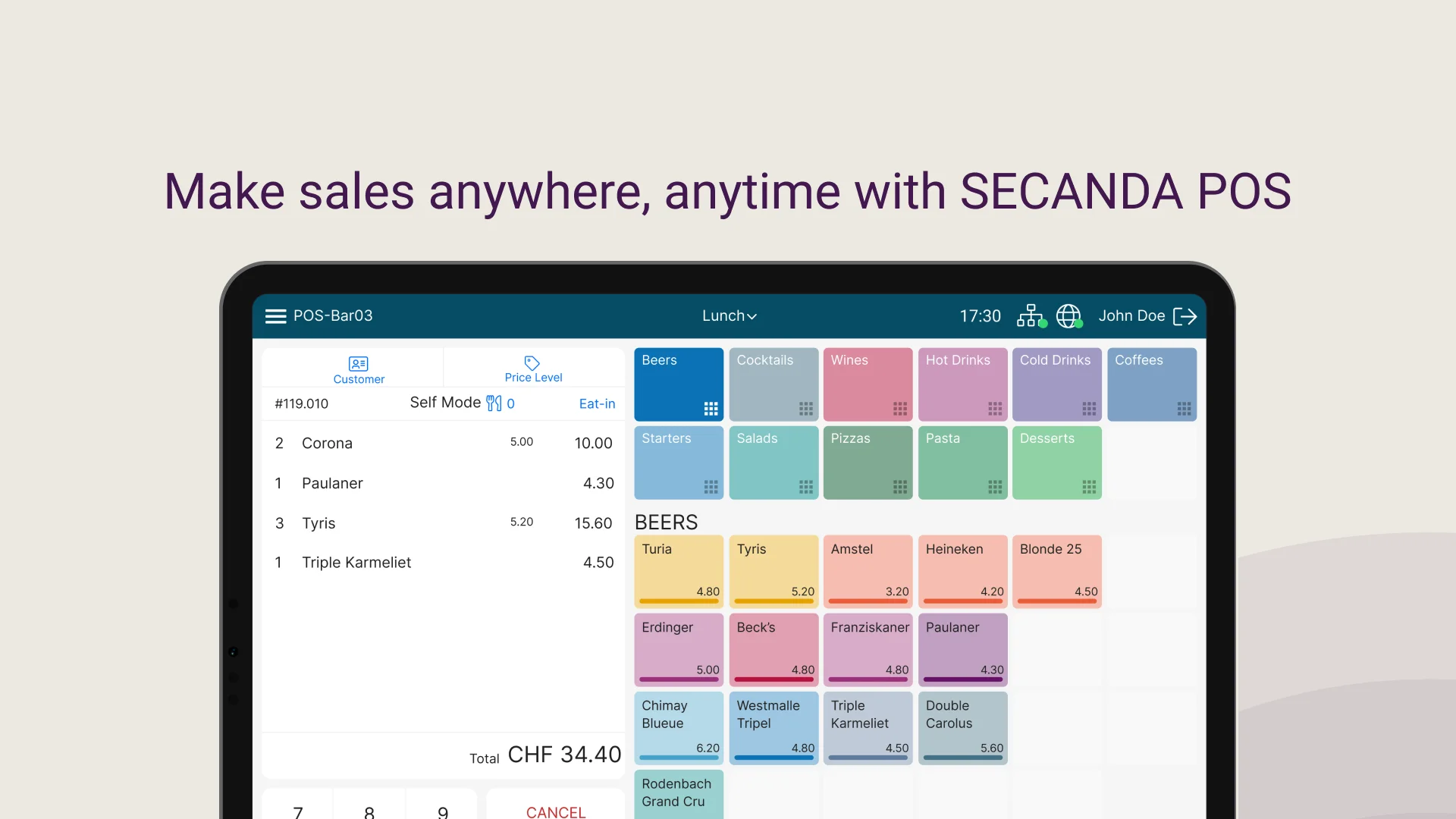
Large buttons, clear layout, multiple customizable keypads and fast item entry: training is kept to a minimum.
Multi-site web back office
Manage all your points of sale from a web back office. Settings update remotely, with no need to restart the registers.
Voucher management
Meal plans, subsidies and restricted-use vouchers, managed end to end.
Offline mode
If the network goes down, Micanda stores transactions and syncs them as soon as the connection is restored.
Detailed reports
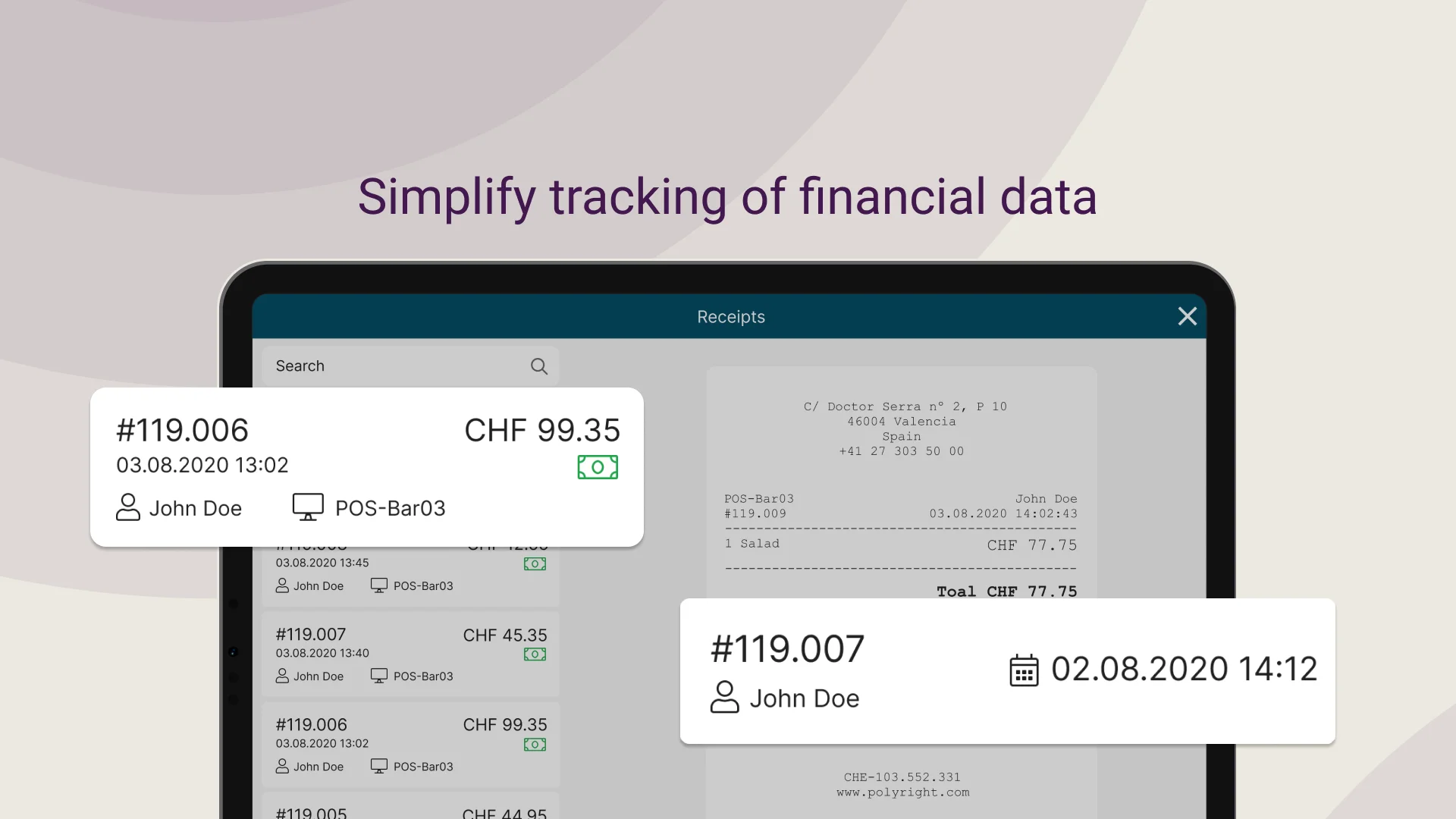
Sales summaries, register balances, top-selling items: all the reports you need.
Accept any payment
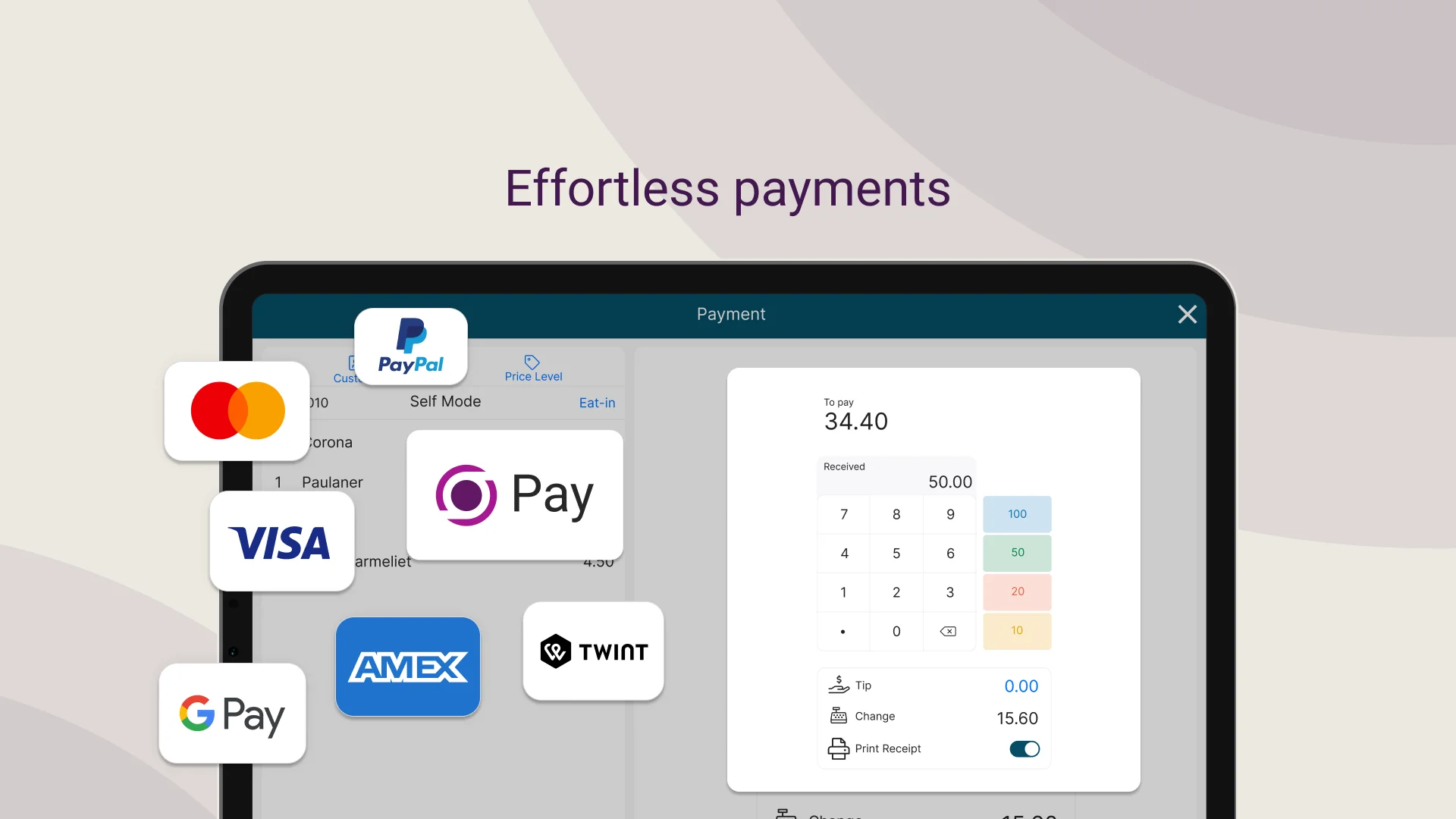
From contactless to cash, Micanda takes it all
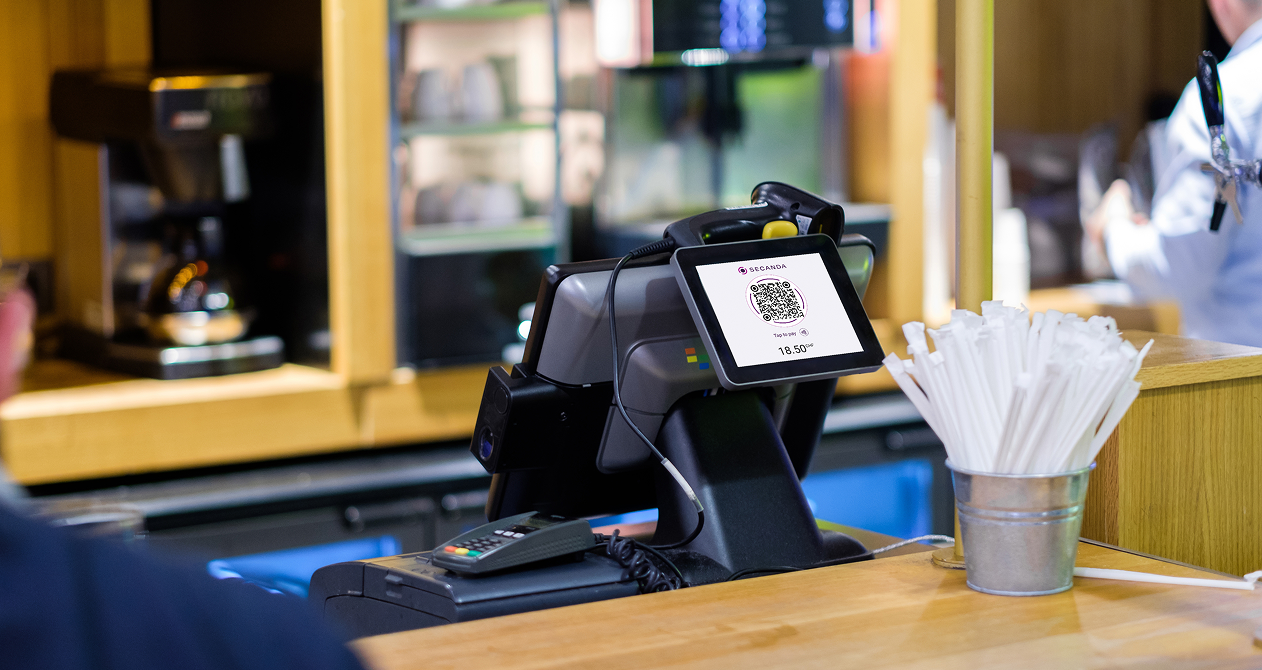
Cash & bank cards
Traditional payment methods, fully integrated
Vouchers & meal plans
Subsidies, daily limits and restricted-use vouchers
Cost centers
Bill by department, project or budget code
Smart voucher system
Micanda fully supports SECANDA's flexible voucher system. Create meal plans, department subsidies or restricted-use vouchers.
- Vouchers applied automatically at checkout
- Restrict by product category, time or location
- Split payments: voucher + cash/balance
- Usage tracking and reporting
Example: student meal plan
Hardware
POS terminals and kiosks ready for Micanda
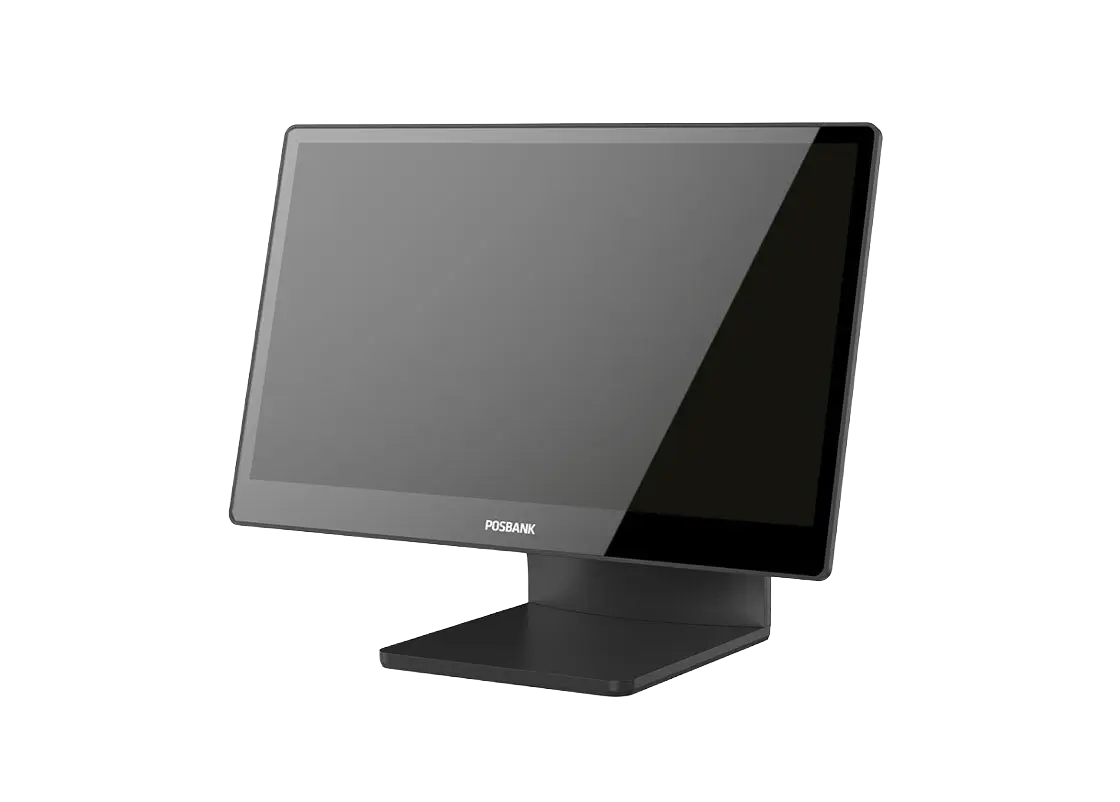
APEXA 1500
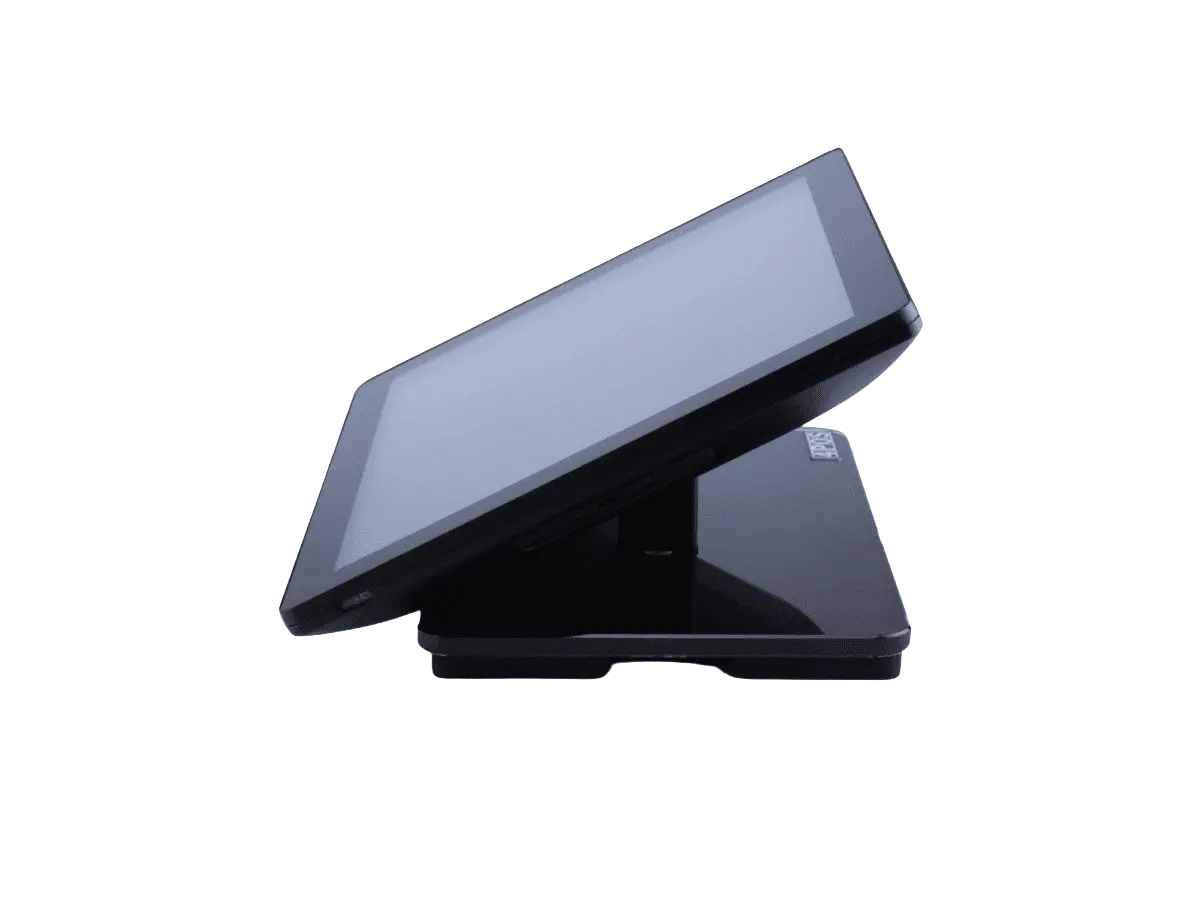
4POS 510
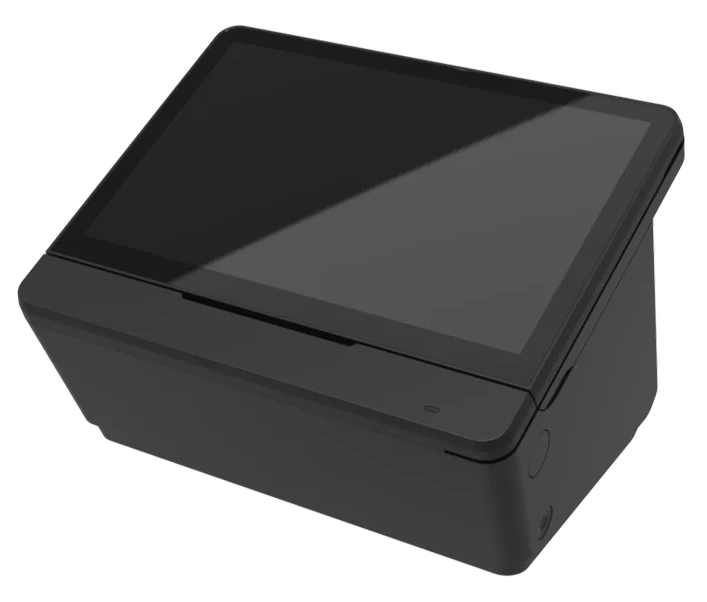
Posbank Mint
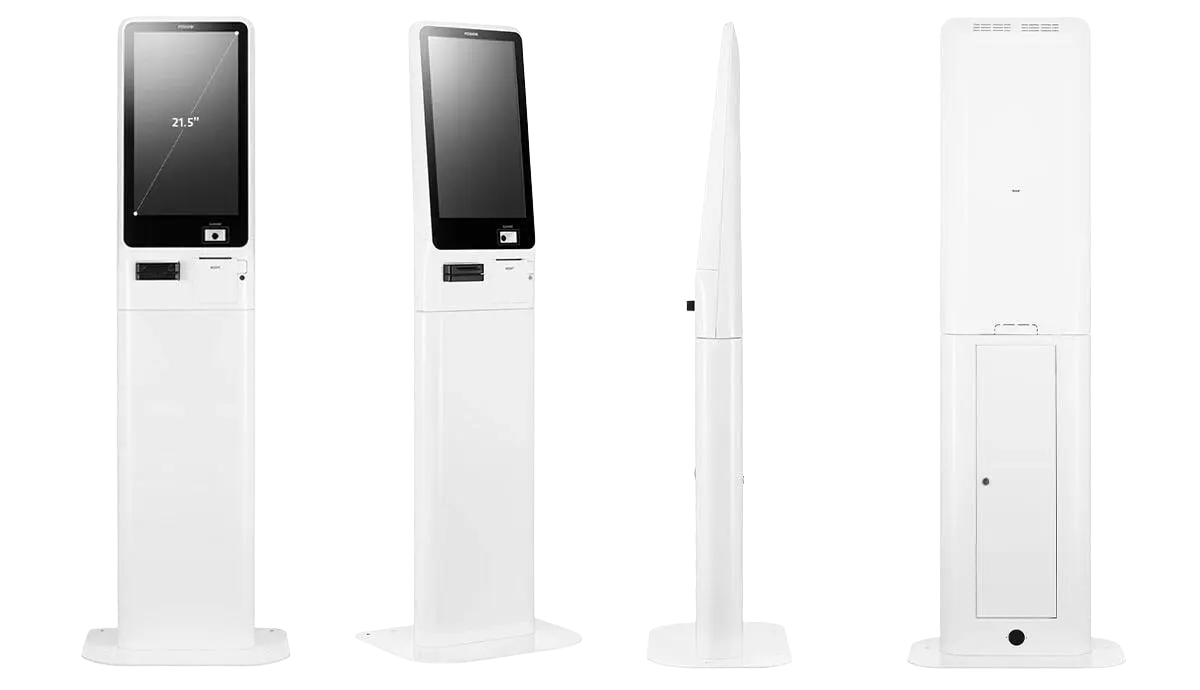
Big POS 2150
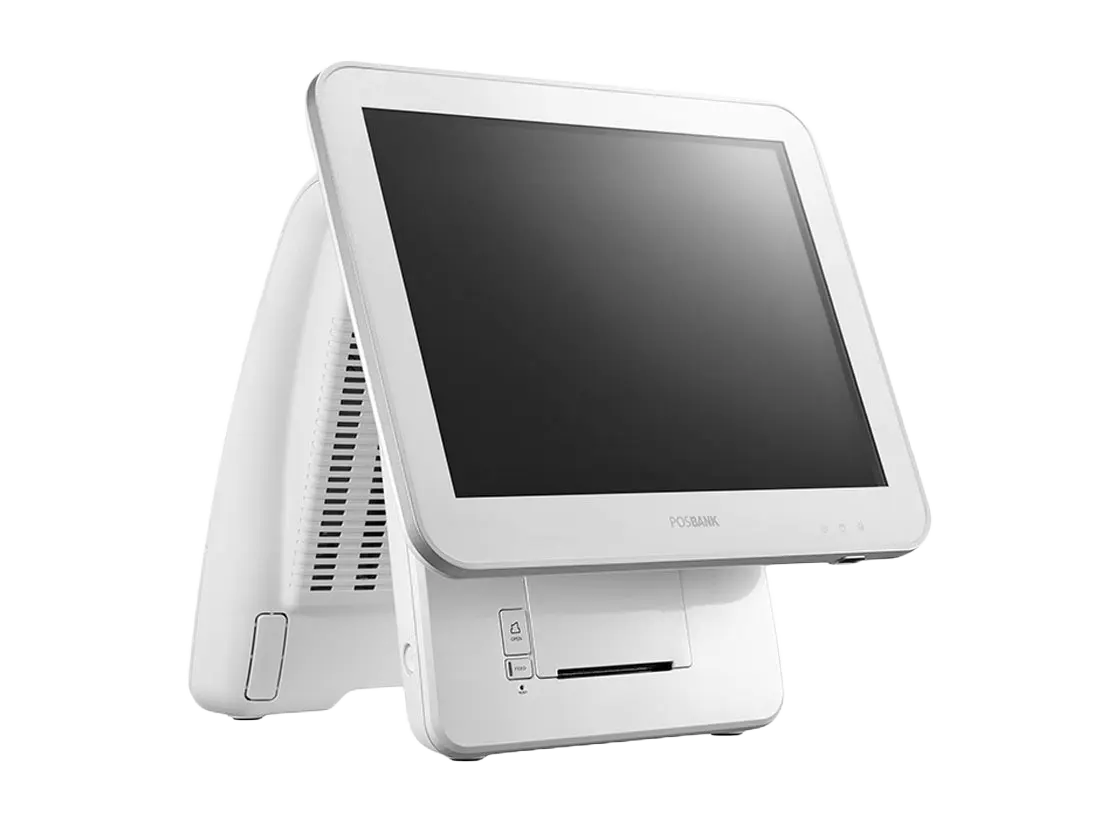
Imprex Prime 17″
Micanda POS also runs on any standard Windows 11 register – no proprietary hardware required.
Accessories & peripherals
Preconfigured, rugged hardware, ready to plug in
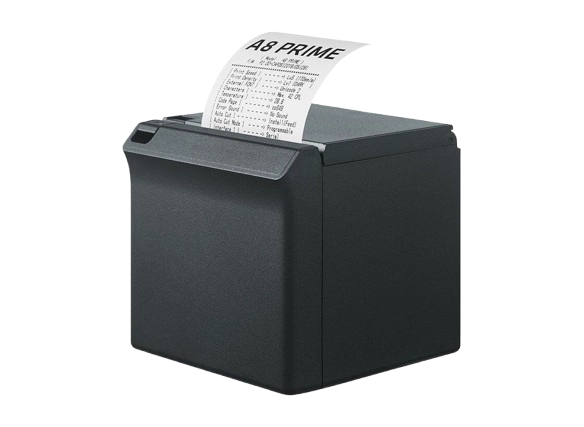
A8 receipt printer
Compact thermal printer for receipts, fast and quiet.
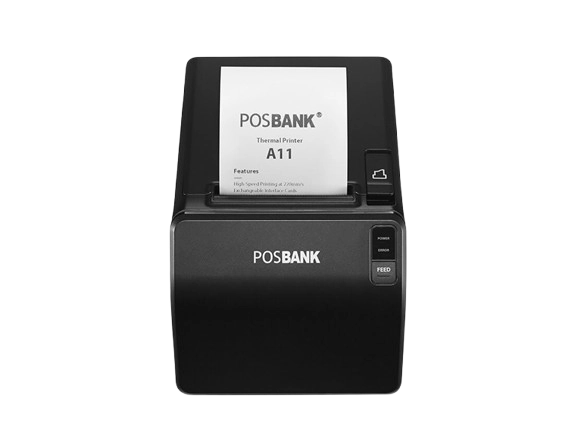
A11 receipt printer
High-speed thermal printer for high-volume environments.
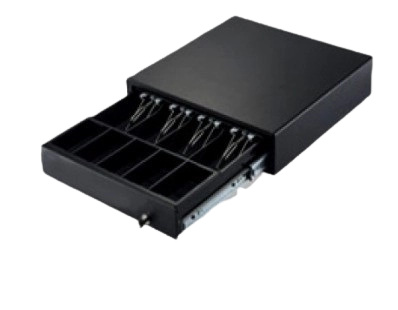
Cash drawer
Heavy-duty cash drawer driven by the POS: configurable automatic opening, opening log, and cash in/out tracking.
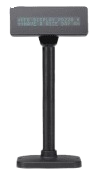
Customer display
Customer-facing screen showing the details of the current transaction.
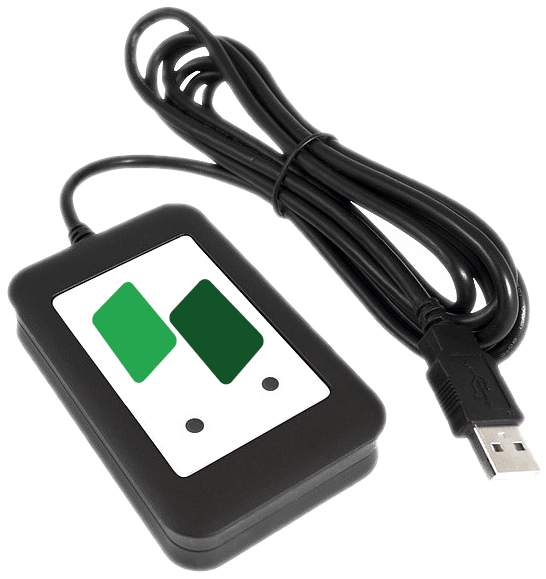
Elatec TWN4 badge reader
Universal multi-technology RFID reader for student cards, staff and visitor badges.
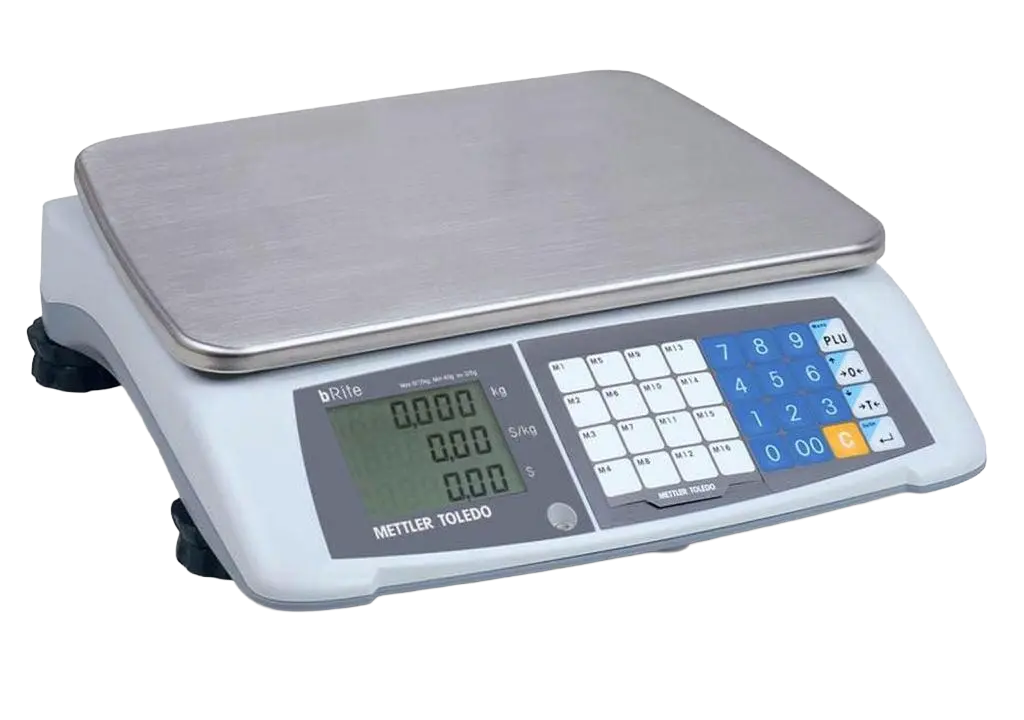
bRite Advanced Compact scale
Price-computing scale for selling by weight – salad bars, buffets and bulk goods.
Wallee payment terminals
Native integration for card, mobile and contactless payments
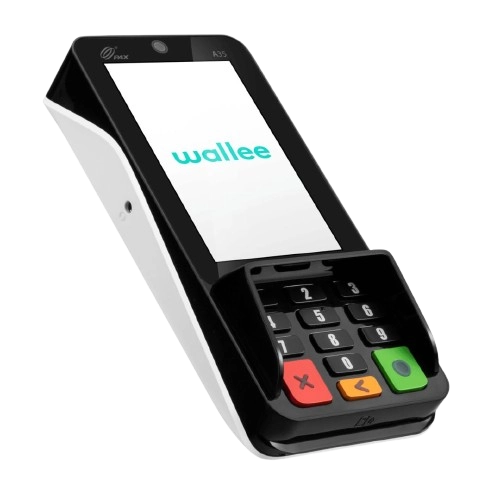
Wallee A35
Compact, rugged terminal with a 4" touchscreen and secure PIN pad. Ideal at the counter.
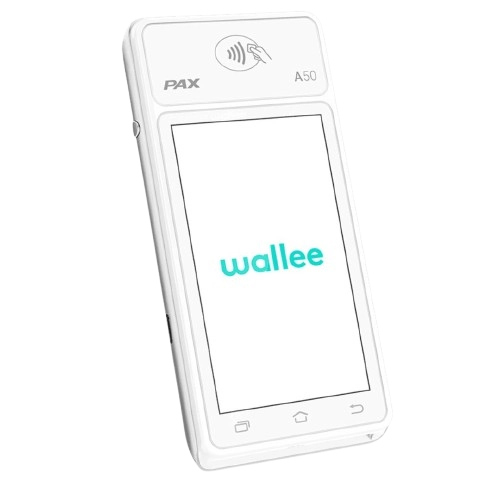
Wallee A50S
Light, easy-to-handle Android mPOS terminal with 4G and Wi-Fi to take payments anywhere.
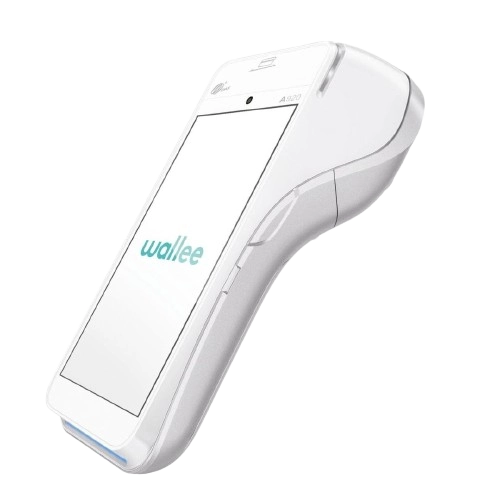
Wallee A920 Pro
Modern, versatile Android terminal with built-in receipt printer and charging dock.
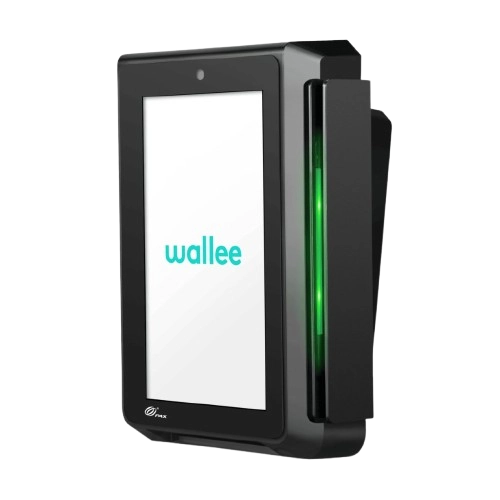
Wallee IM30
EFT terminal for vending machines, coffee machines and smart fridges.
Terminal comparison table
| A35 | A50S | A920 Pro | IM30 | |
|---|---|---|---|---|
| Description | Fixed ‘Classic’ EFT | Mobile EFT | All-in-one mobile EFT | EFT for vending machines |
| Mobile EFT | No | Yes | Yes | No |
| Physical keypad | Yes | No | No | No |
| Receipt | Via QR code and receipt printer | Via QR code and receipt printer | Integrated printer and via QR code | Via QR code |
| Power supply | USB-C / USB cable (included) | USB-C / USB cable (included) | Charging station (included) and USB-C / USB cable (included) | MDB |
| Technical specs | Wi-Fi, Ethernet Cortex A53, 1.6 GHz Android 10.0 260 g 163.7×77×30.1 mm |
SIM card (included), Wi-Fi, 4G Cortex A53, 1.4 GHz Android 8.1 163 g 138×69.5×12 mm |
Wi-Fi, 4G Cortex A53, 1.1 GHz Android 8.1 390 g 178.3×78×54 mm |
Wi-Fi, Ethernet, 4G Cortex A53, 1.2 GHz Android 7.1 486 g 105×146×57 mm |
| Ideal for | Catering, hospitality, cafeterias | Bars, clubs, shops, markets, fairs and events | Shops, catering, hospitality | Vending machines, coffee machines and smart fridges |
| Mandatory maintenance | CHF 5.–/month/terminal (billed and handled directly by Wallee) Optional: maintenance by Polyright if you prefer a single point of contact. | |||
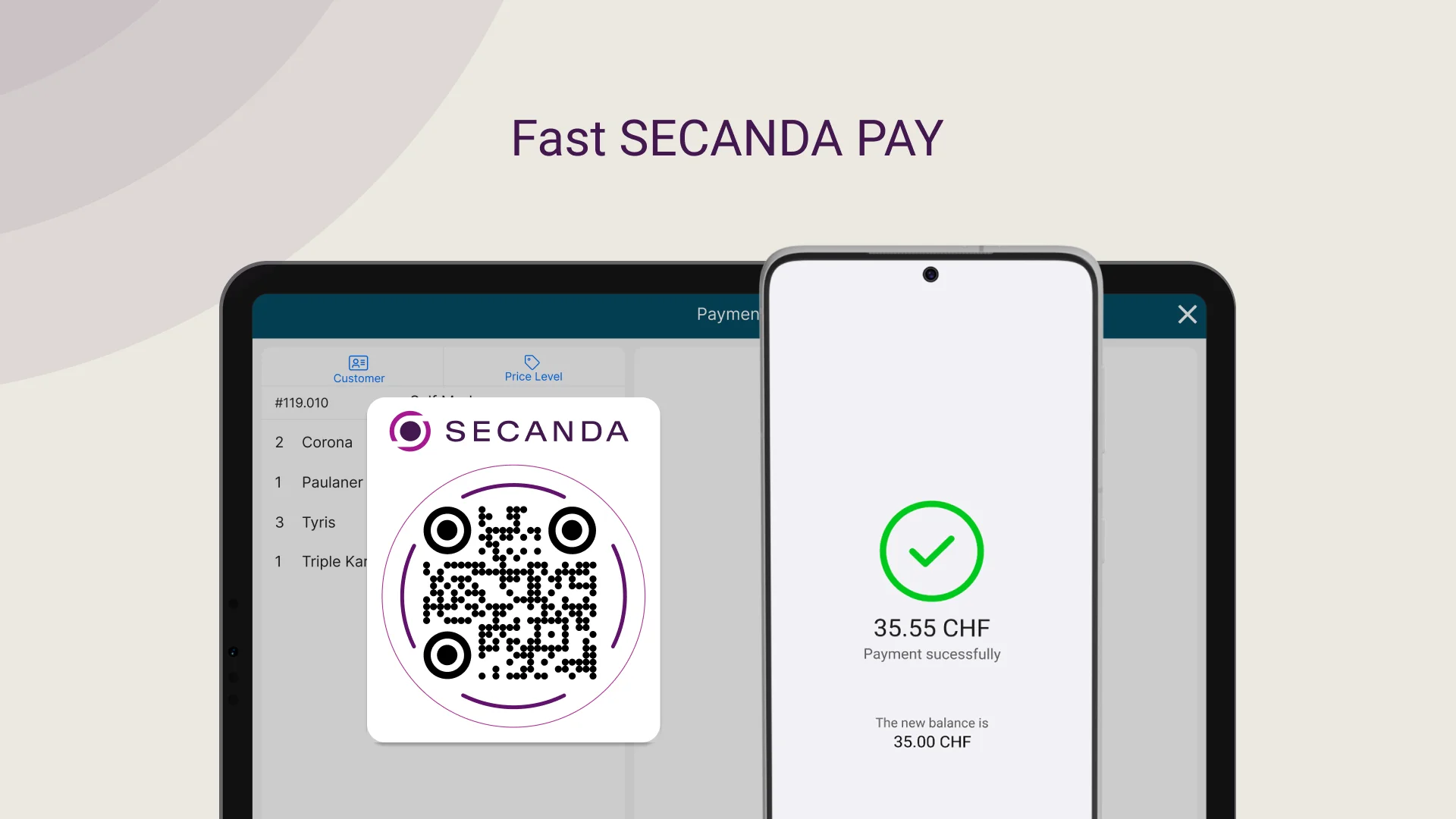
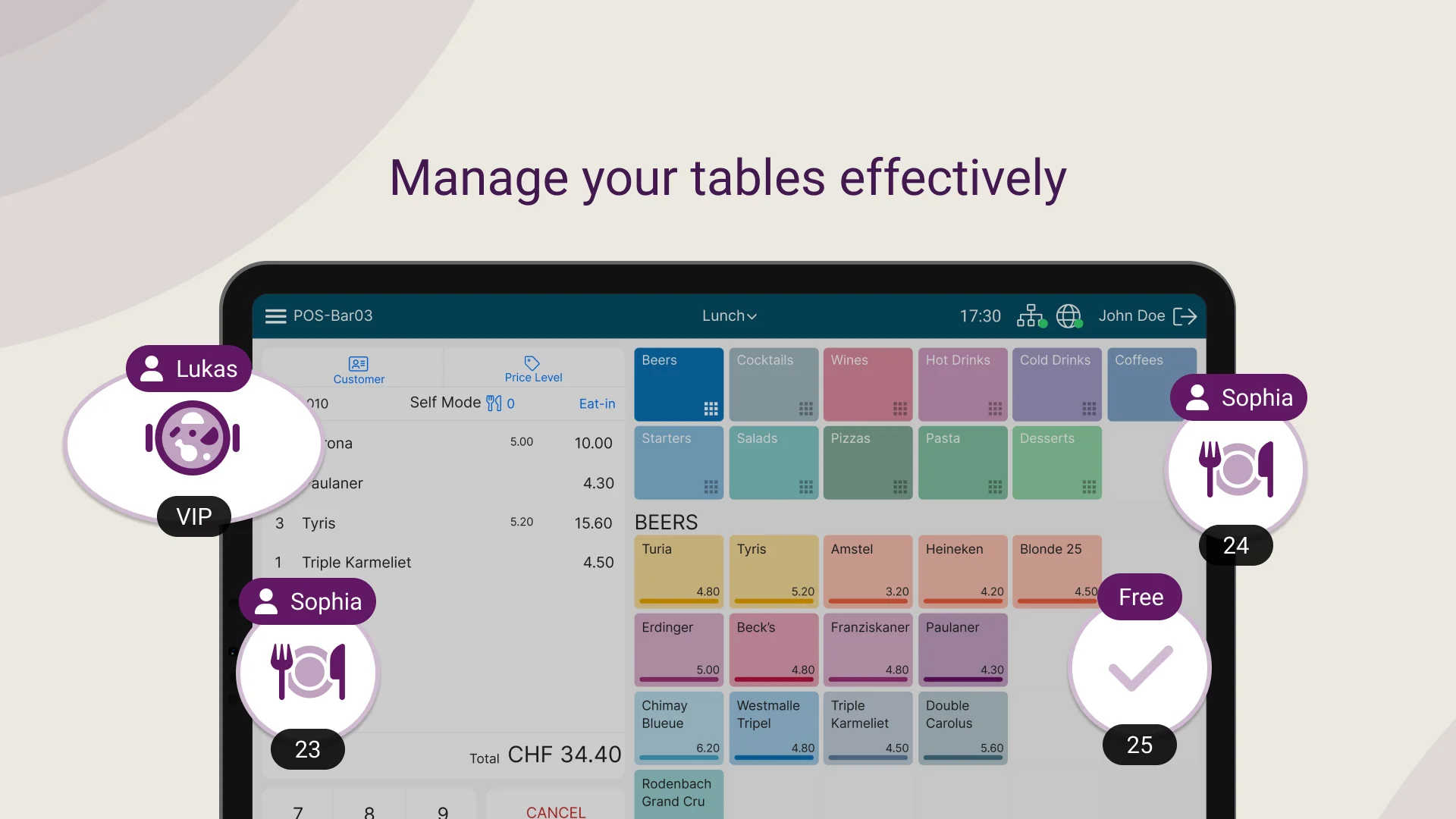
Micanda POS in pictures
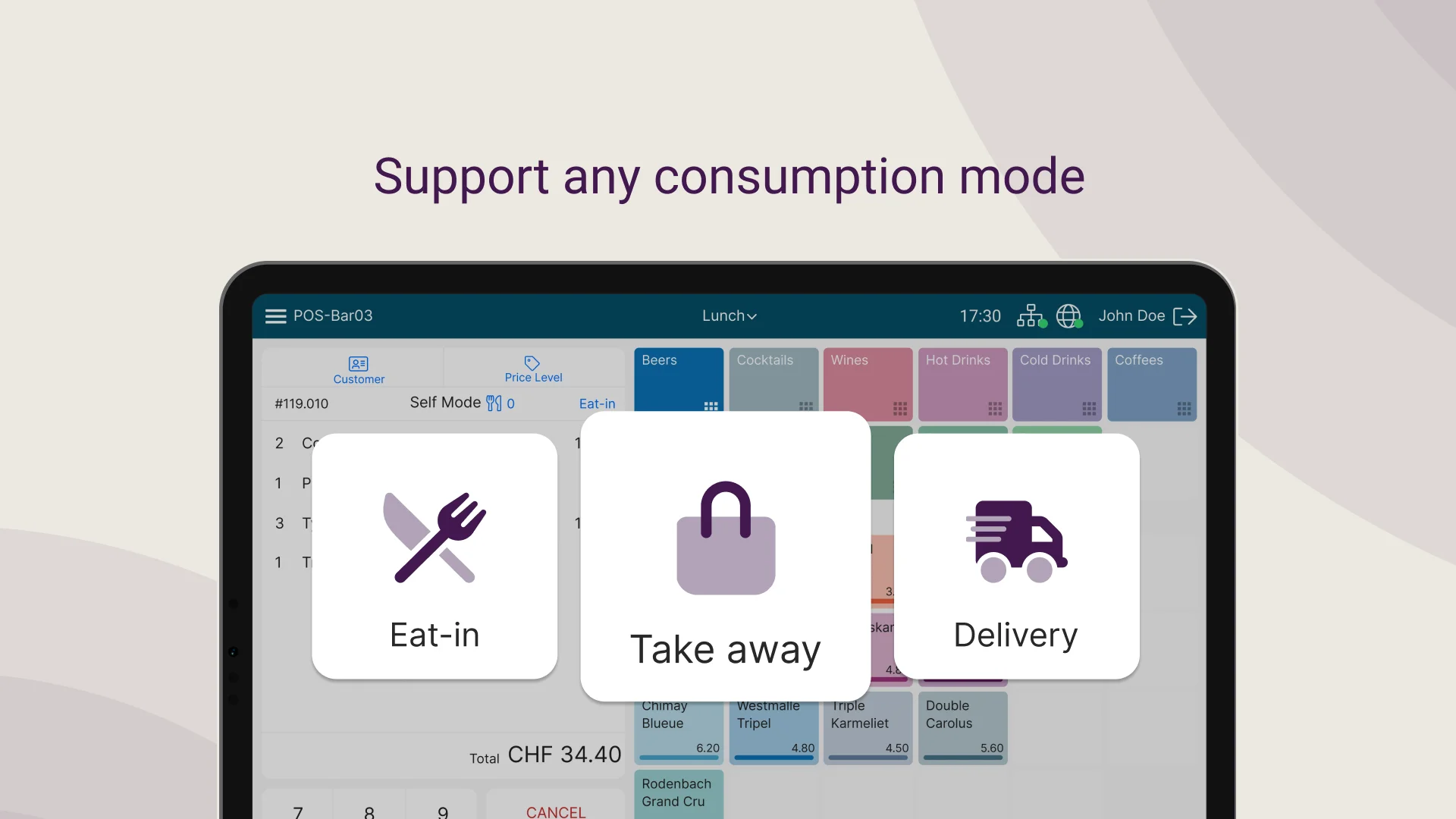
A clear interface, built for fast checkout
A turnkey rollout
Polyright stays with you from scoping to day-to-day support
Tailored definition
Polyright works closely with your institution to define a solution that fits your needs and the variety of services you offer.
Installation and configuration
Our team of experts carefully configures Micanda POS for each site, integrates the chosen services and optimizes checkout flows.
Team training
Comprehensive training for administrators, checkout staff and managers, ensuring fast adoption and full autonomy.
Technical support
Continuous support to resolve incidents, handle maintenance and guarantee optimal performance every day.
Frequently asked questions
Everything you need to know about Micanda POS and its hardware
Can Micanda POS be used without the SECANDA Suite?
Yes. Micanda works standalone for shops, cafeterias and points of sale that do not need full identity management. You still get the POS, the reports, Wallee terminals and TWINT. You can add SECANDA Pay and the Suite later without changing hardware.
Is Micanda compliant with Swiss fiscal requirements (VAT, receipts)?
Yes. Micanda handles Swiss VAT rates (8.1% / 2.6% / 3.8%), prints compliant receipts and offers complete financial reports: daily closings (Z-report), X-reports, breakdowns by VAT rate, payment method, register, item and cost center, available at any time. Data can be exported in standard formats (CSV, Excel) for use in your accounting system.
How does Micanda handle the lunch rush? How many transactions per minute?
The POS is optimized for cafeteria throughput: near-instant contactless SECANDA Pay payments (RFID or QR code), a fast mode for daily menus and configurable shortcuts per register. Micanda runs in high-traffic school and university cafeterias, with several registers in parallel to absorb the lunchtime peaks.
Can sales be linked to cost centers, departments or subsidies?
Yes. Each item can be tied to a cost center, and payments by voucher, meal plan or departmental subsidy are automatically allocated in the reports. Ideal for internal billing between departments (HR, visitor reception, internal events).
Which hardware is used and who handles support?
The POS registers are Posbank and 4POS (official partners), and the payment terminals are Wallee (A35, A50S, A920 Pro, IM30). Polyright handles deployment, configuration and first-line support. Wallee hardware maintenance is billed at CHF 5.–/month/terminal directly by Wallee. An extended Polyright maintenance package is available as an option.
Which data can be exported for BI or accounting?
Every transaction is stored with item, price, VAT, payment method, operator, timestamp and user category. Scheduled CSV or Excel exports, plus database access for your BI tools (Power BI, Tableau, etc.). The data can then be fed into your accounting system as needed.
Your POS, finally simple
Request a demo and see what Micanda POS changes for your registers and your food service.