
Scheduling
Schedule your messages
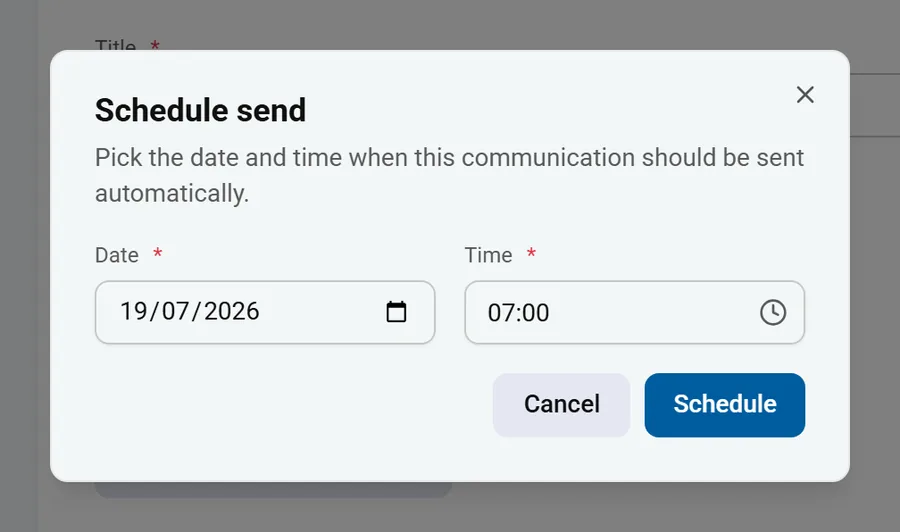
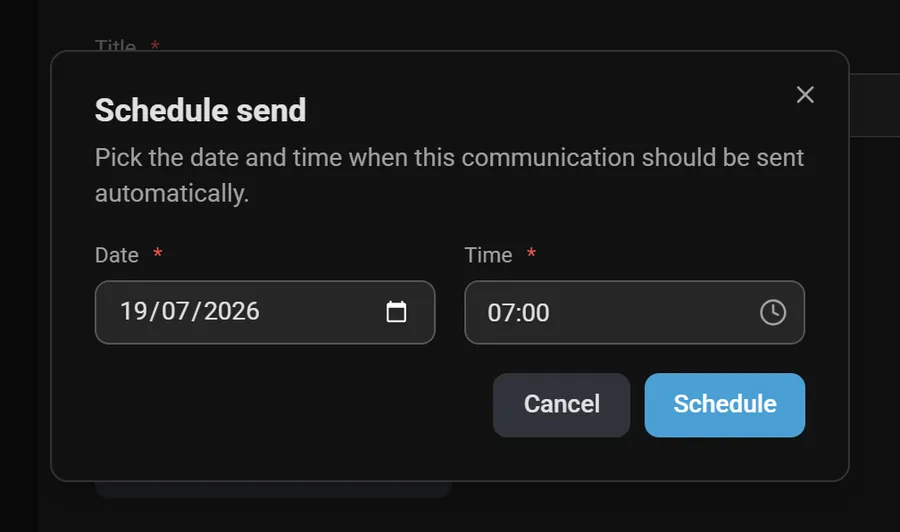
Prepare a communication and set the date and time for automatic delivery. Teachers can schedule their own messages too.
Messaging, absences, forms and day-to-day organisation: simpler exchanges between schools, teachers and parents, on one platform.
Designed for everyone in school life - quick to pick up, no complex training required.
Adopted by the Canton of Valais Education Department and around a hundred schools
























See what Schoolinked changes day to day, for the school and for parents alike.
Request a DemoClear, targeted, centralized messaging between everyone involved in school life: teachers, administration, and parents.


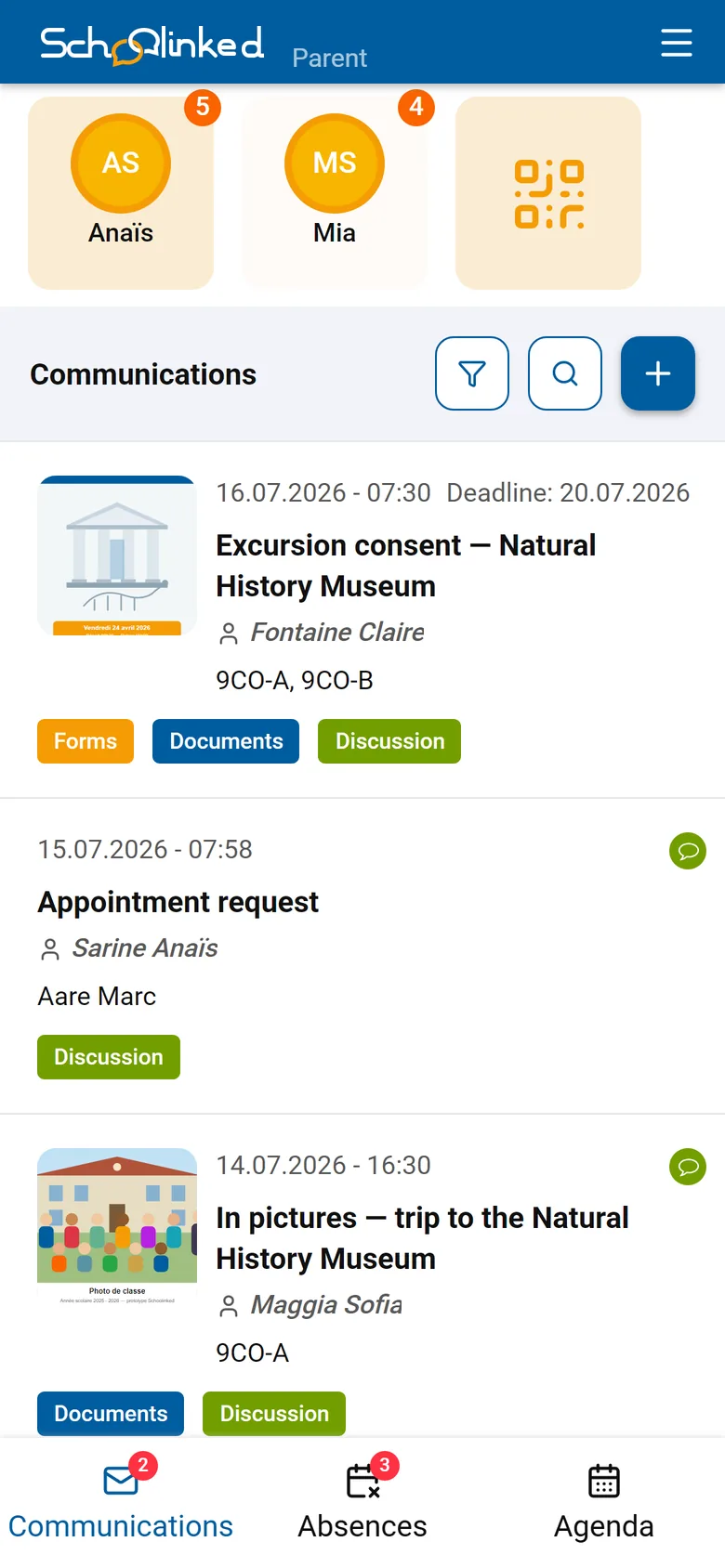
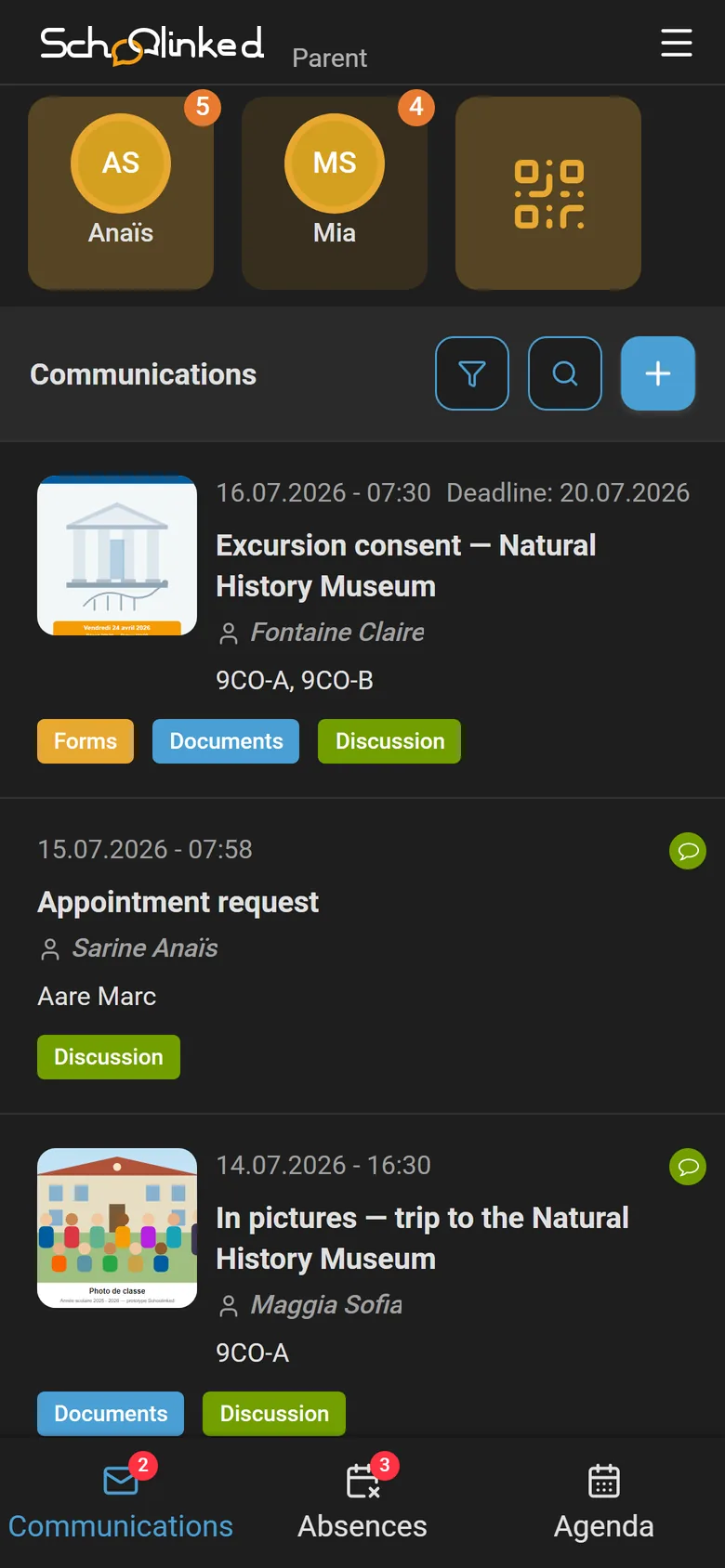
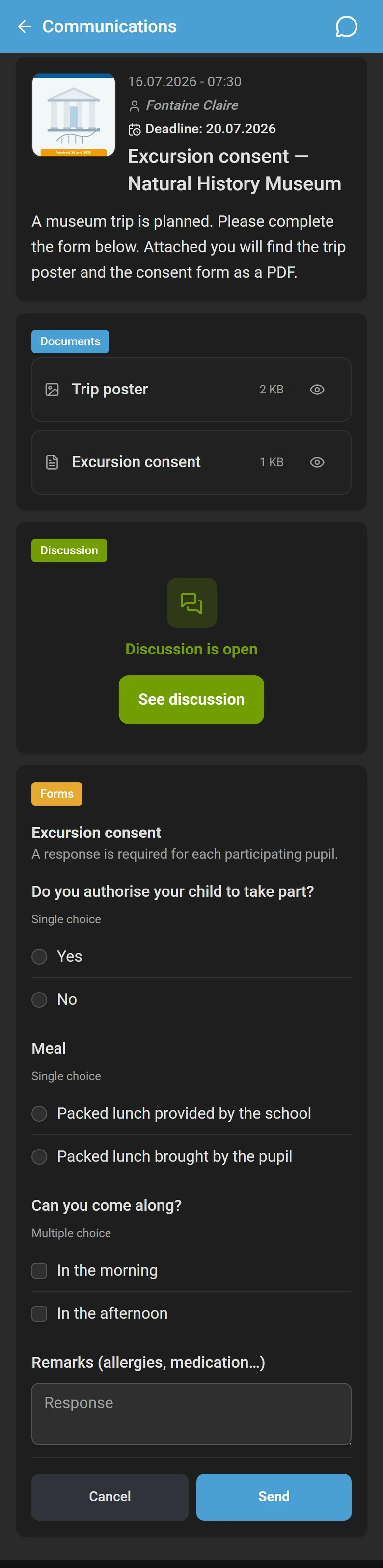
One communication, as many sections as needed — added with a click from the composer.
Publish information to the whole school or to specific classes, with images and deadlines.
Surveys and questionnaires (multiple choice, single choice, free text) that parents, teachers, and the school administration can answer. Exportable results.
Offer meeting slots and add the appointment right inside the communication, exportable to calendars.
Attach letters, PDFs, schedules, or forms, with in-app preview.
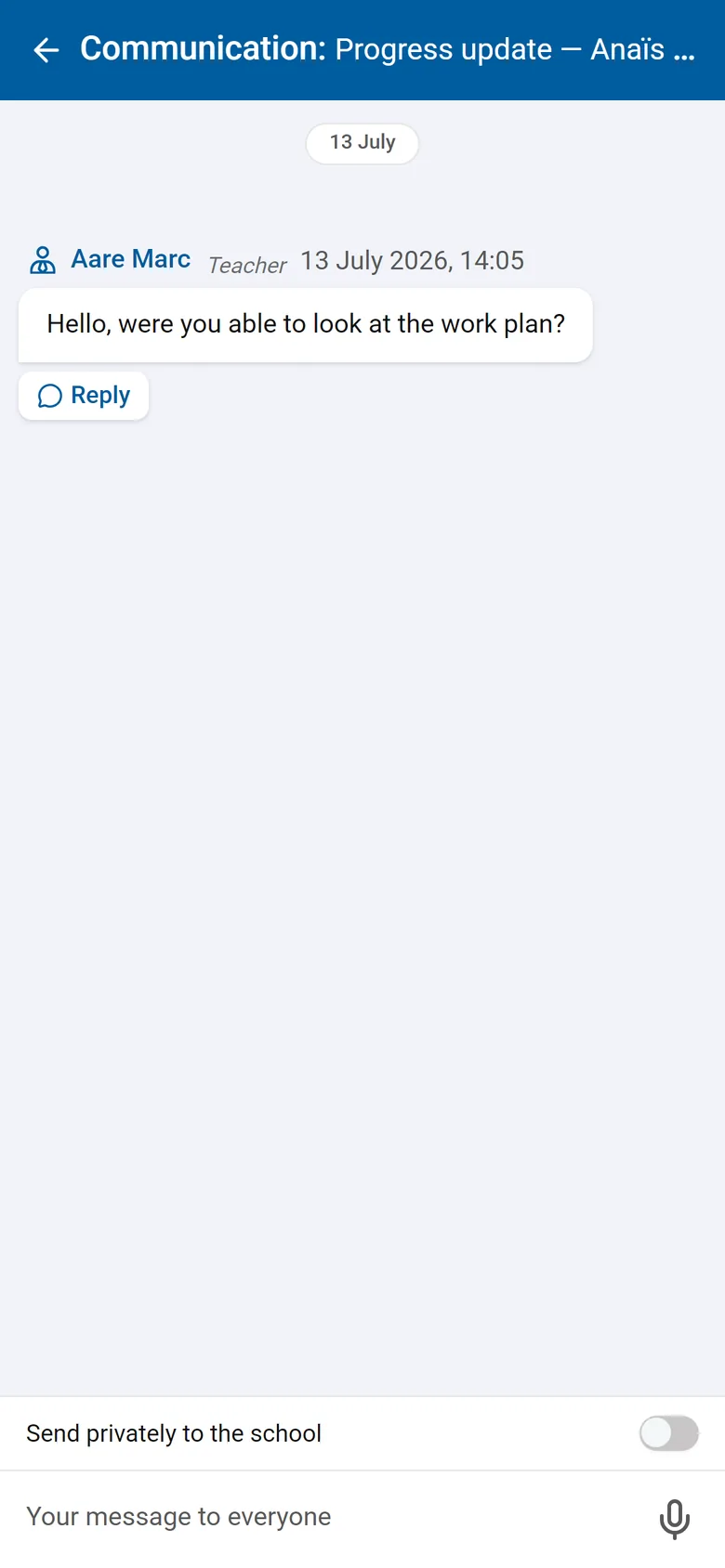
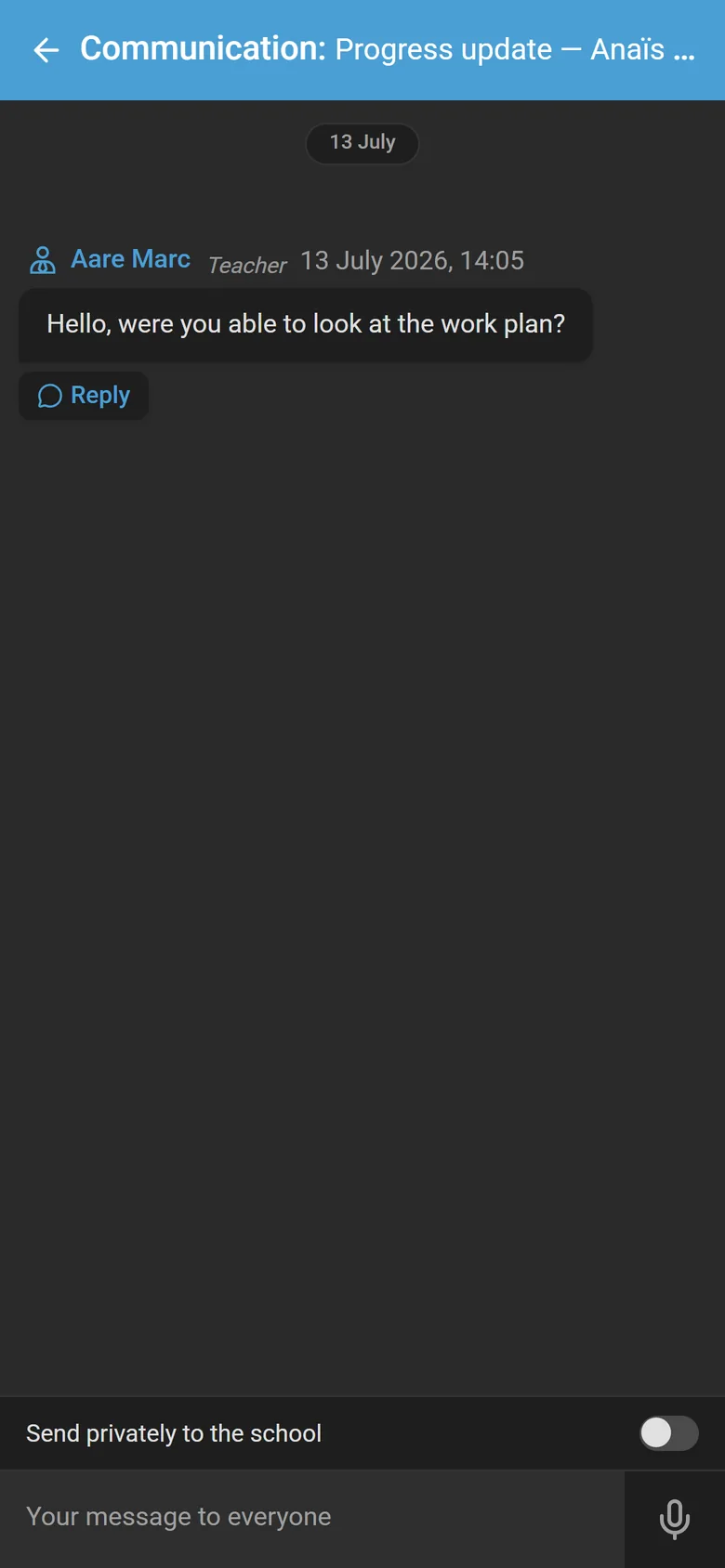
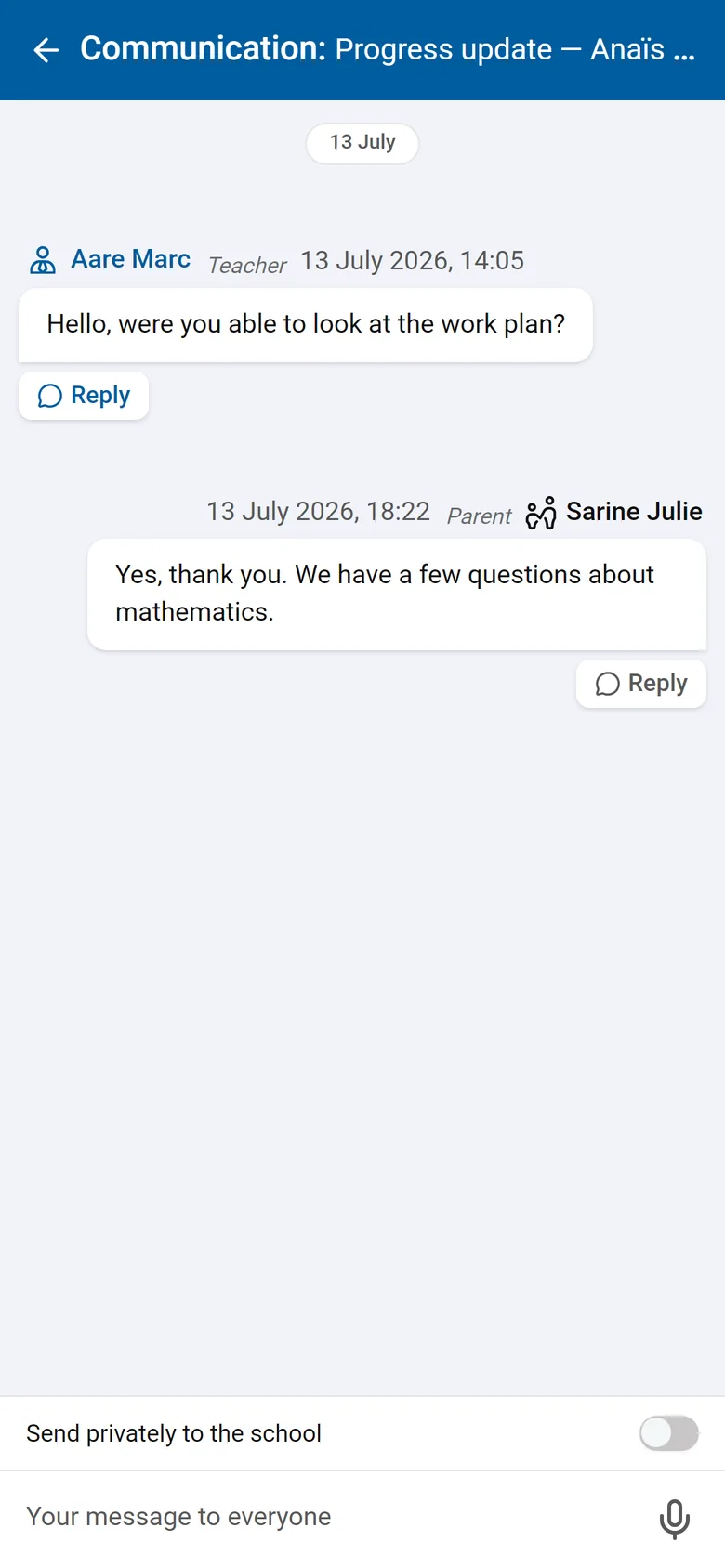
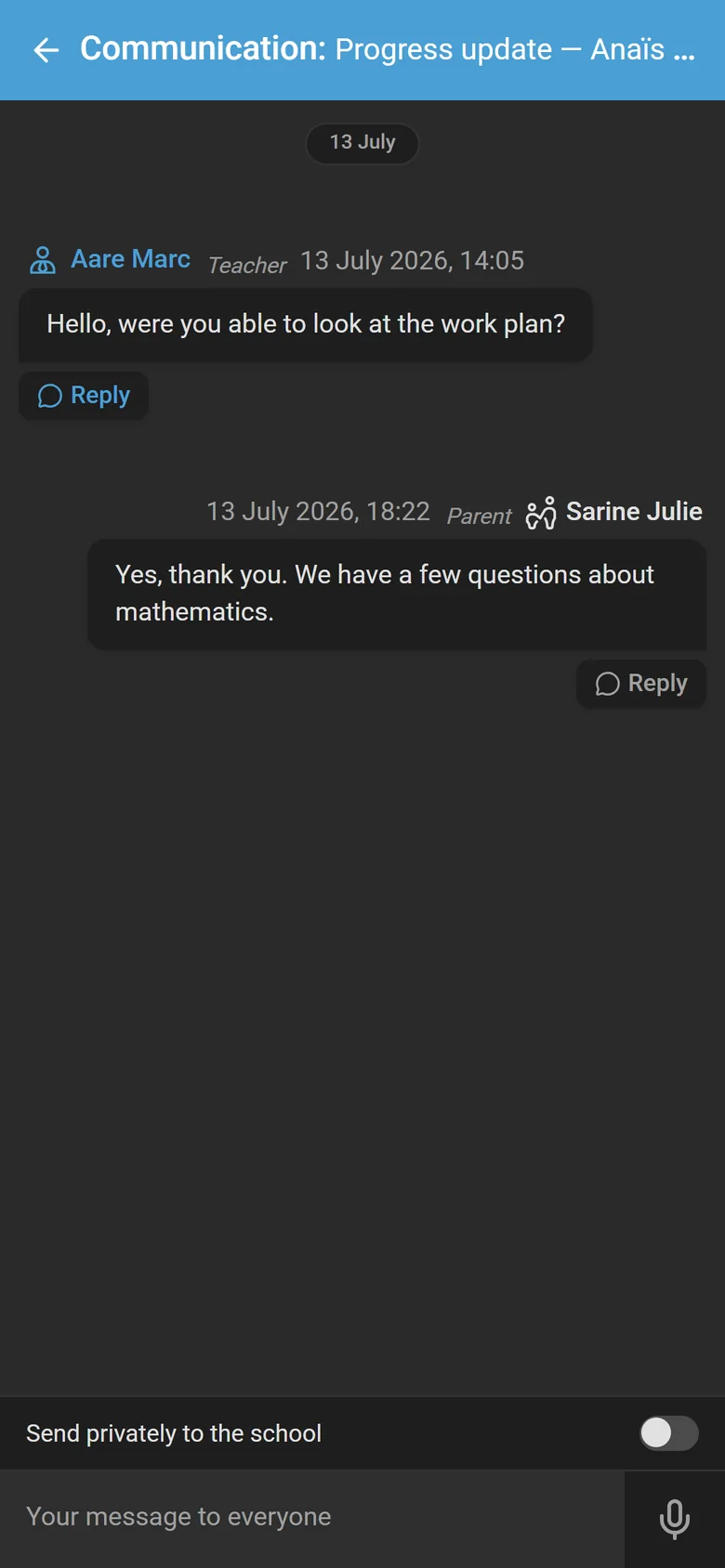
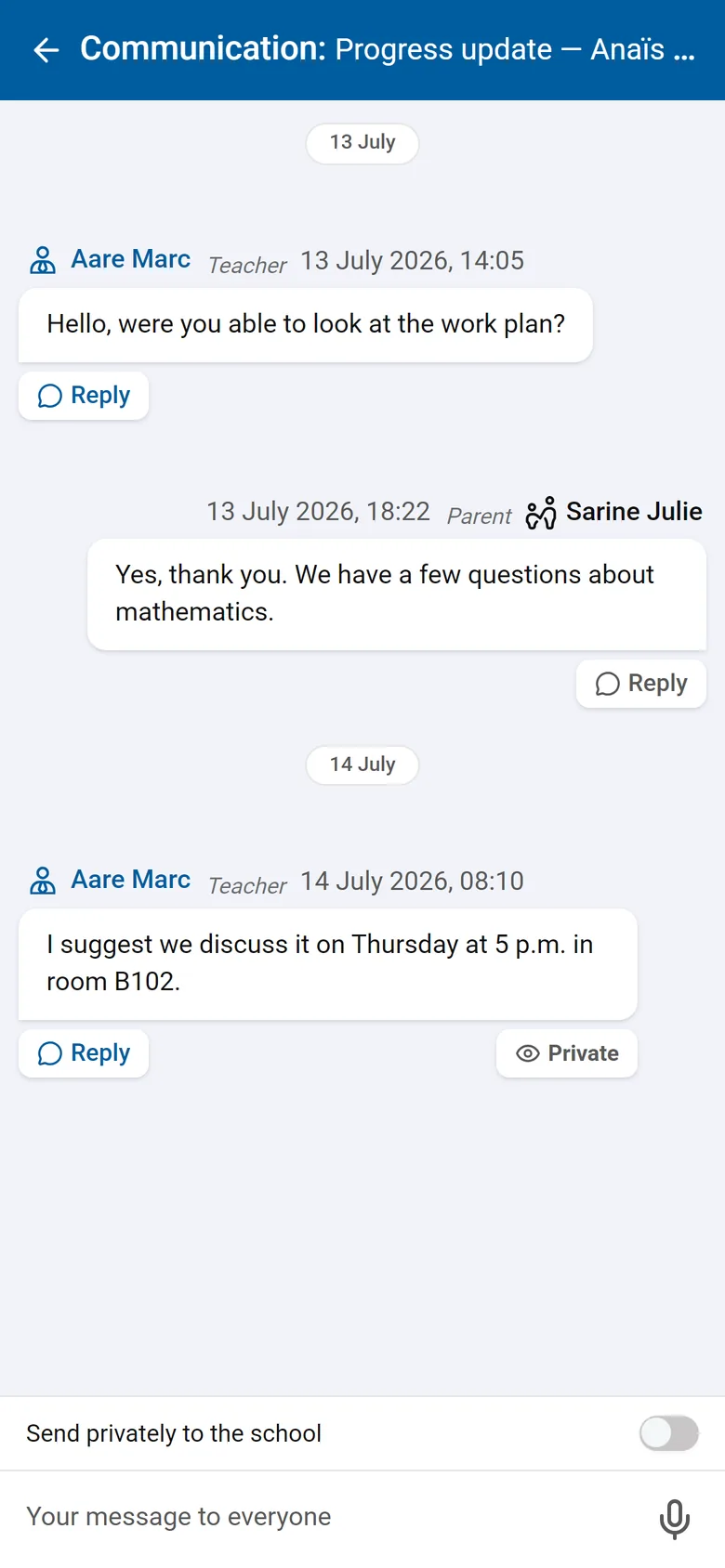
Open a group or private discussion tied to the communication, in writing or by voice message, and close it whenever you want.
Prepare a communication and set the date and time for automatic delivery. Teachers can schedule their own messages too.
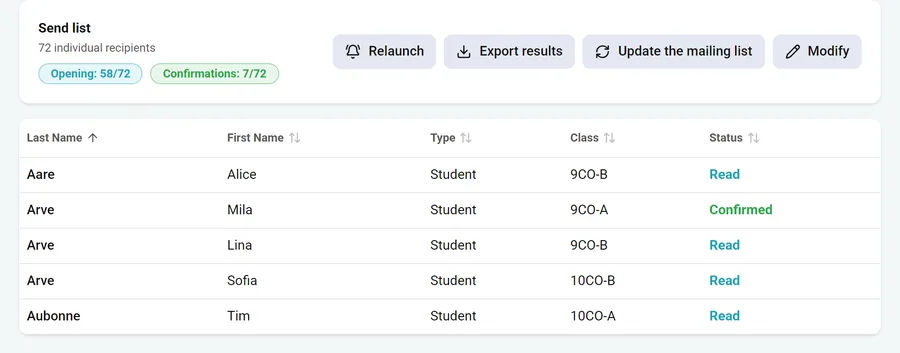
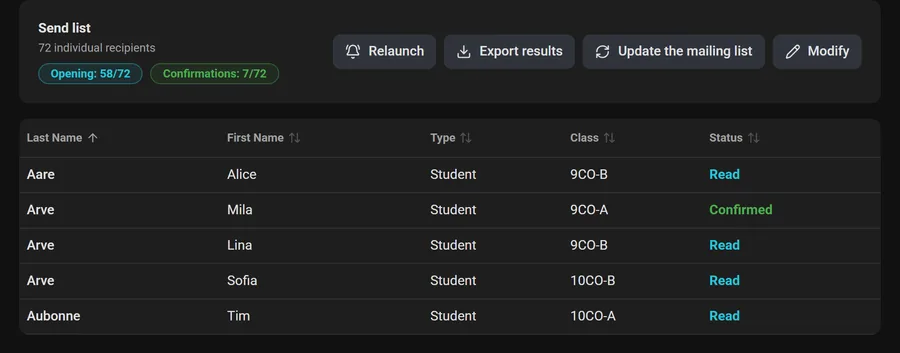
For important messages, ask parents to confirm they have read it, and see at a glance who has.
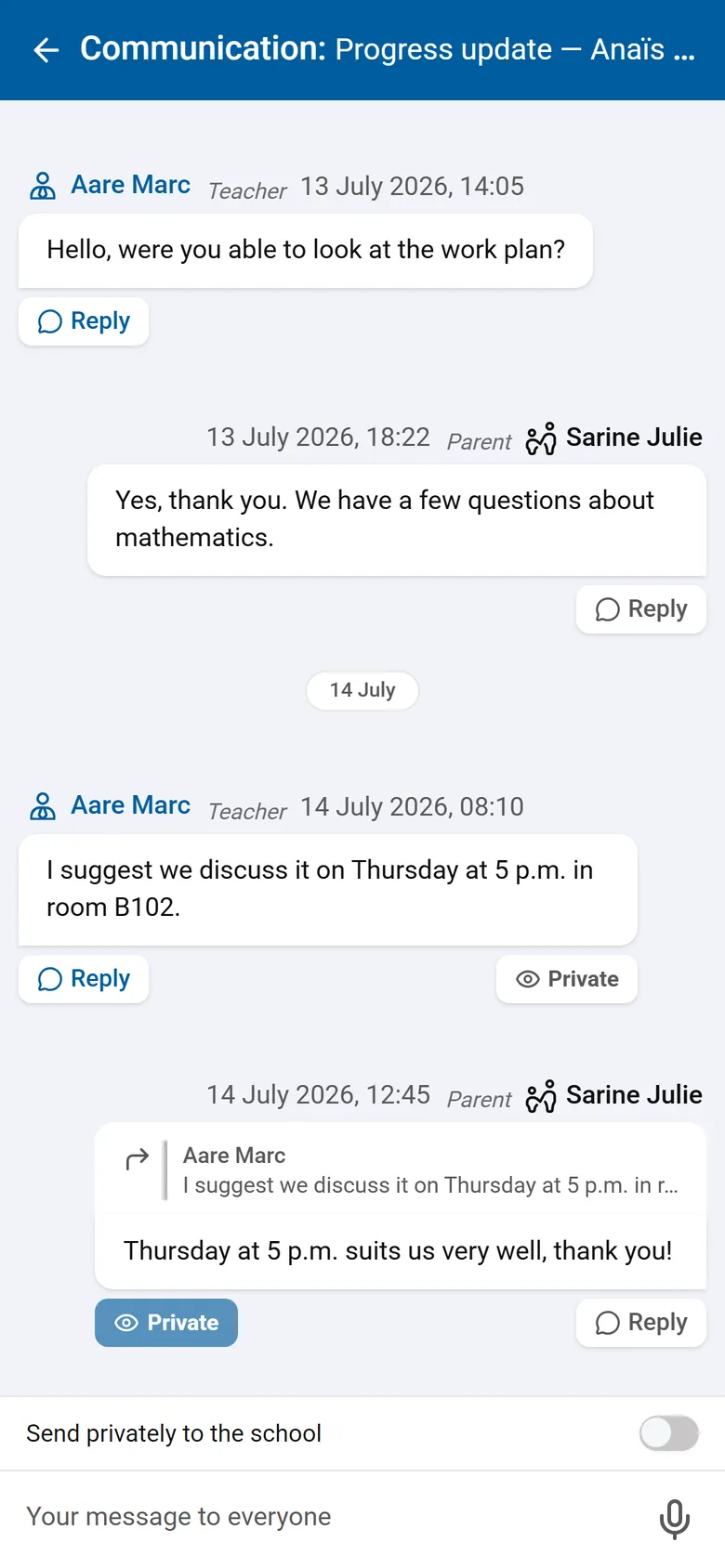
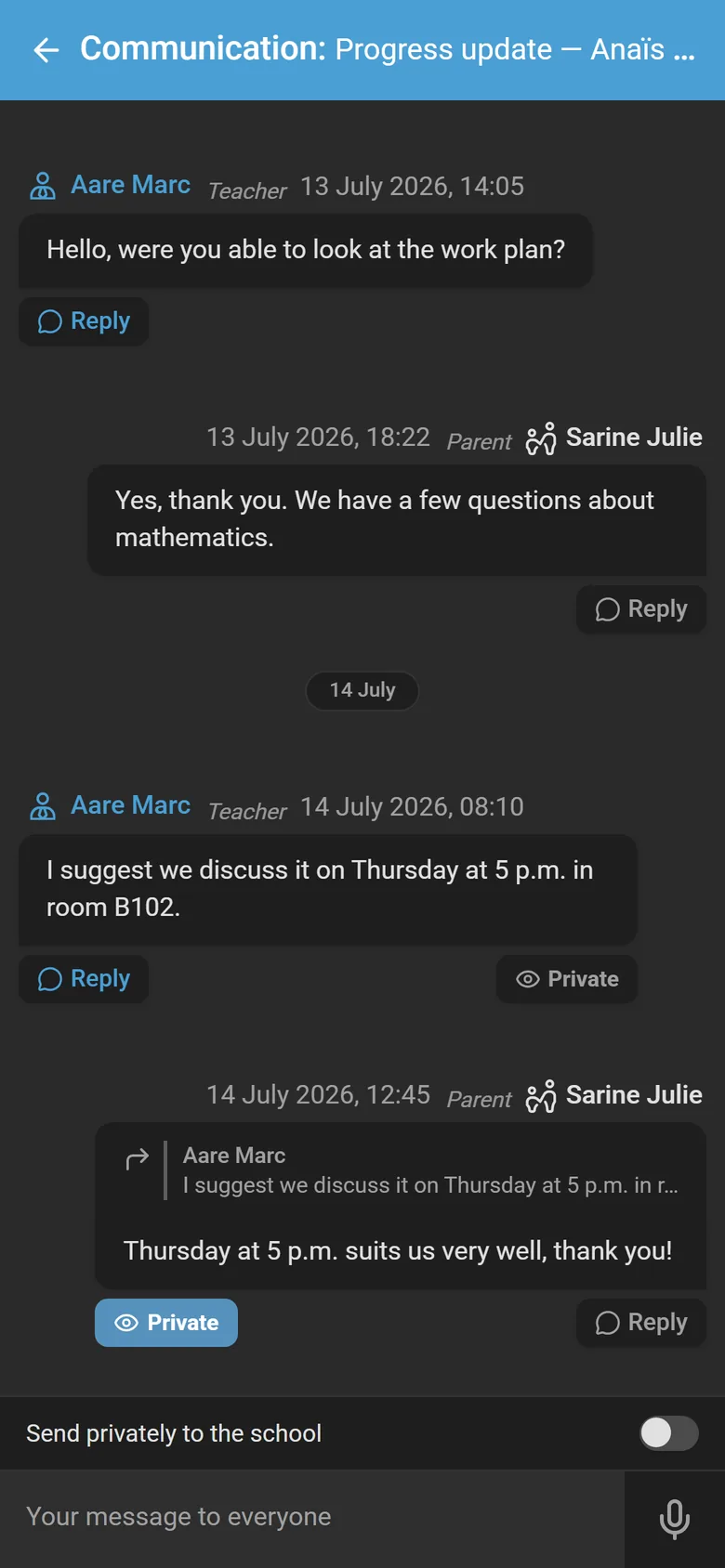
Allow replies as a group or in private, keep the full history, and close the discussion whenever you want.
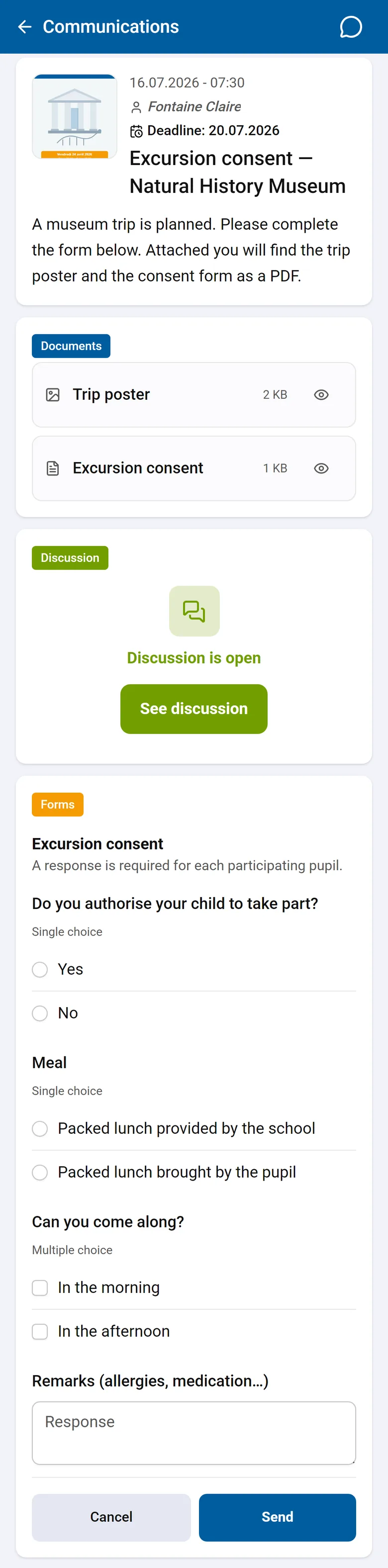
Add a questionnaire to a communication. Families answer in three screens from their phone, and you export the results in one click.
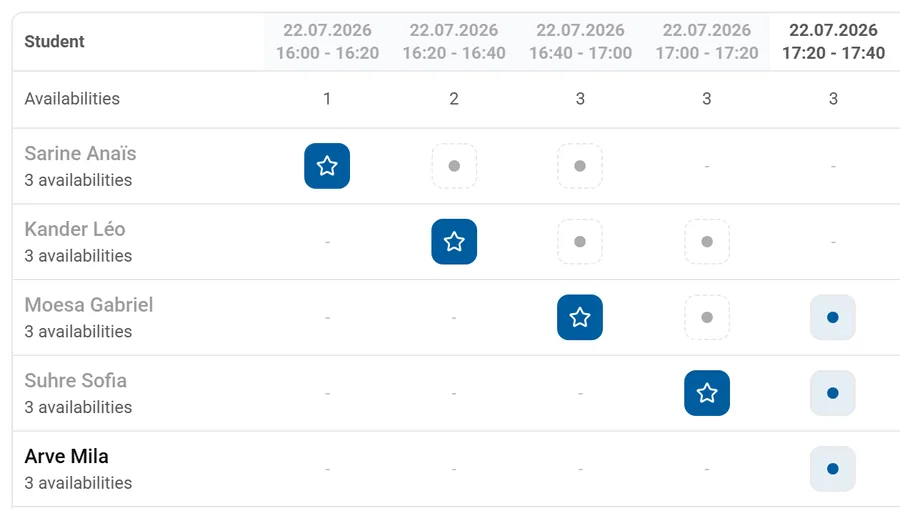
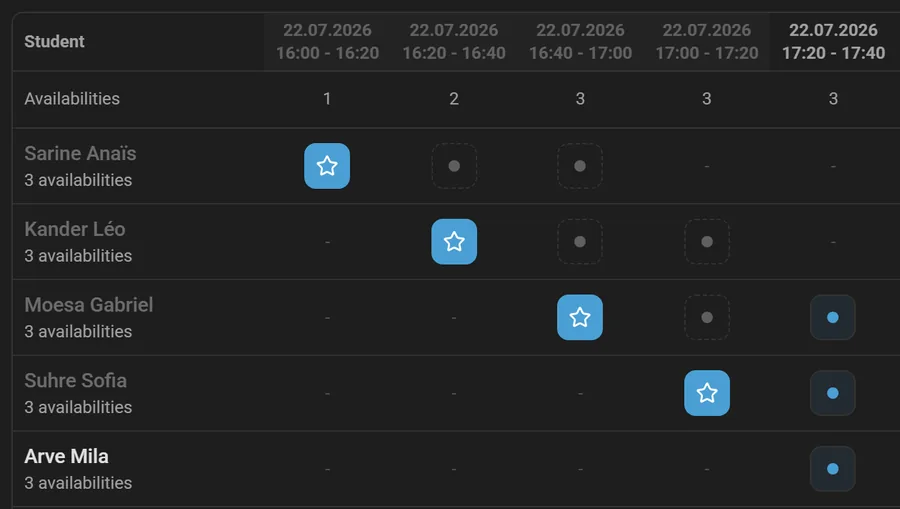
Offer time slots, parents tick their availability from the app, and you assign each meeting with one click. Everyone finds theirs in their agenda.
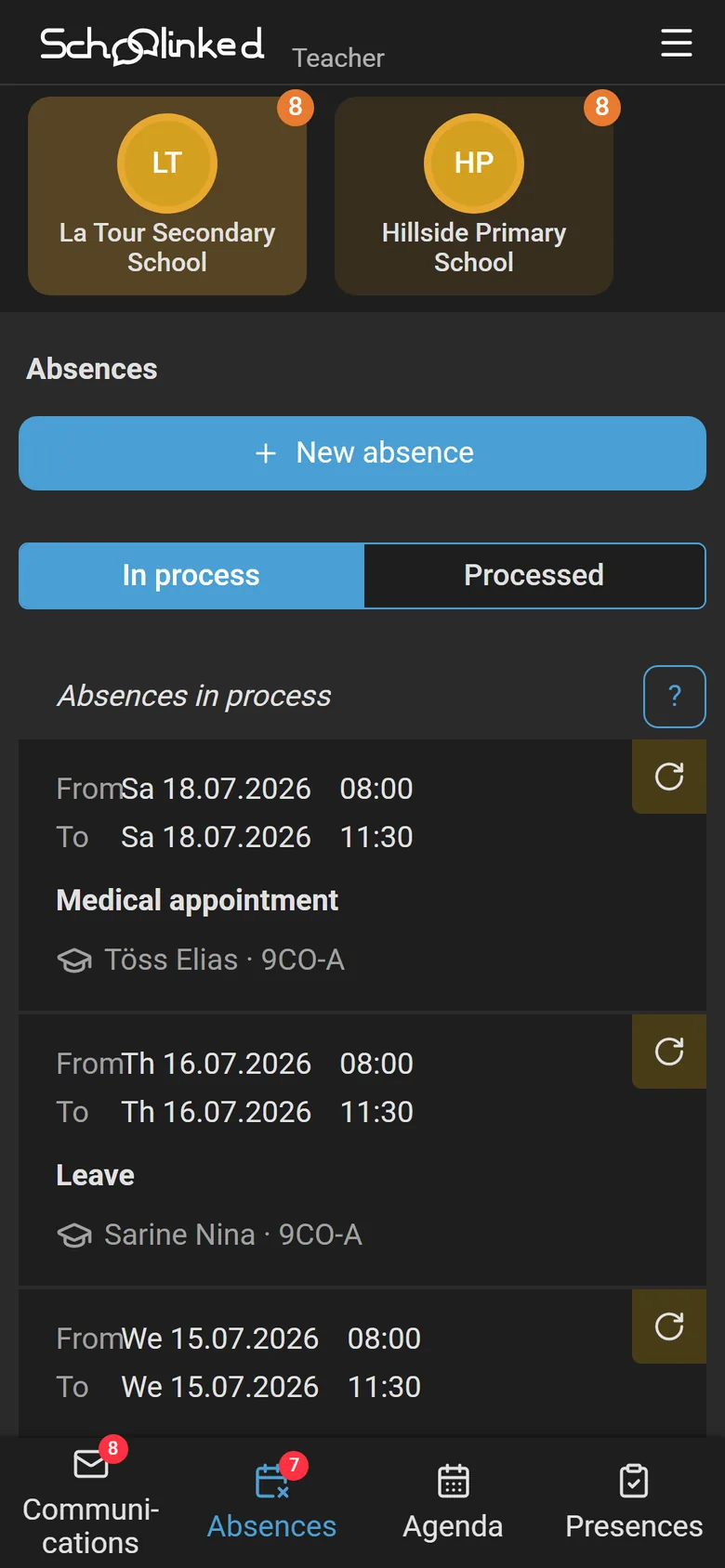
Transparent and automated absence tracking between parents and school. No more paper forms or phone calls.
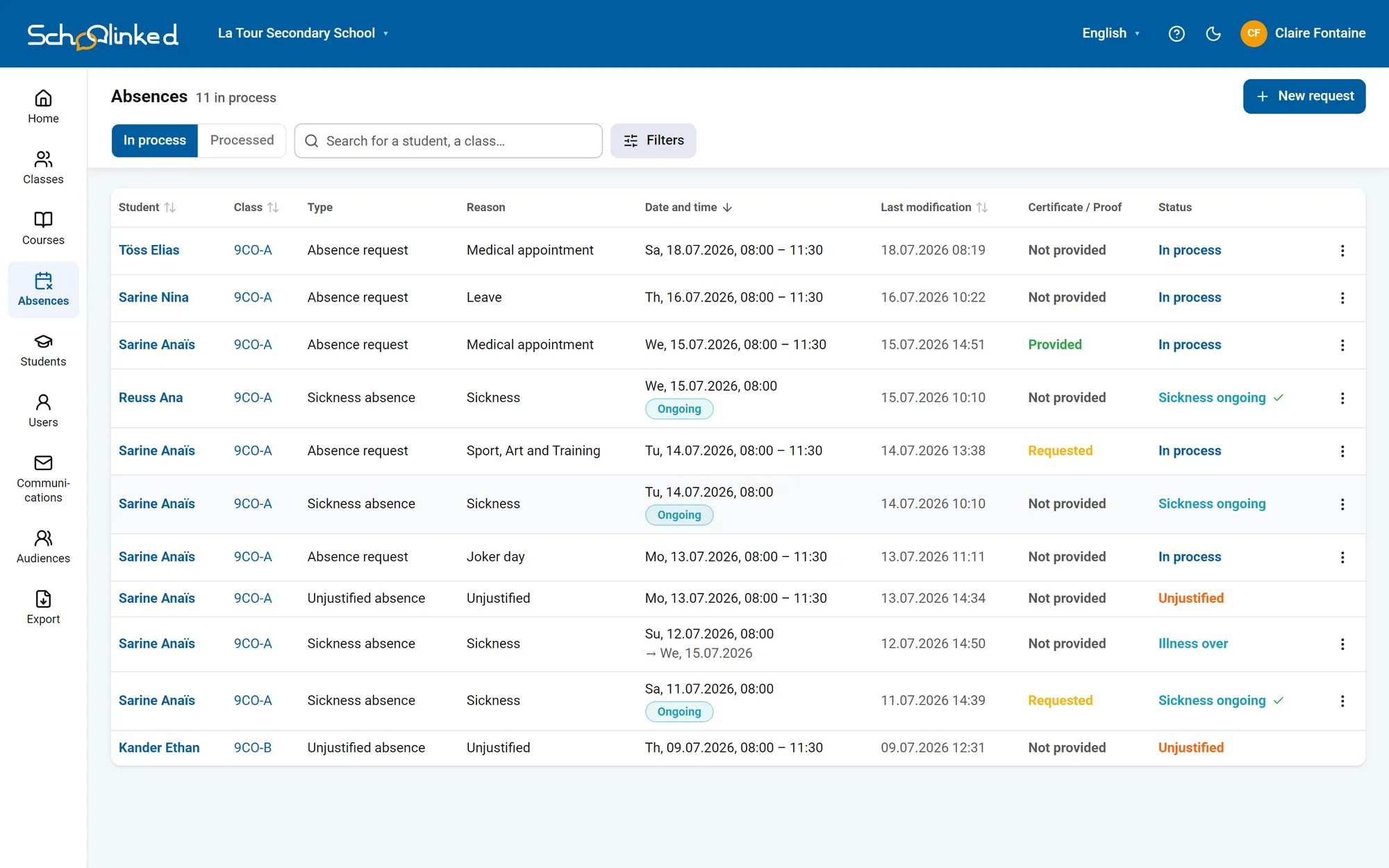
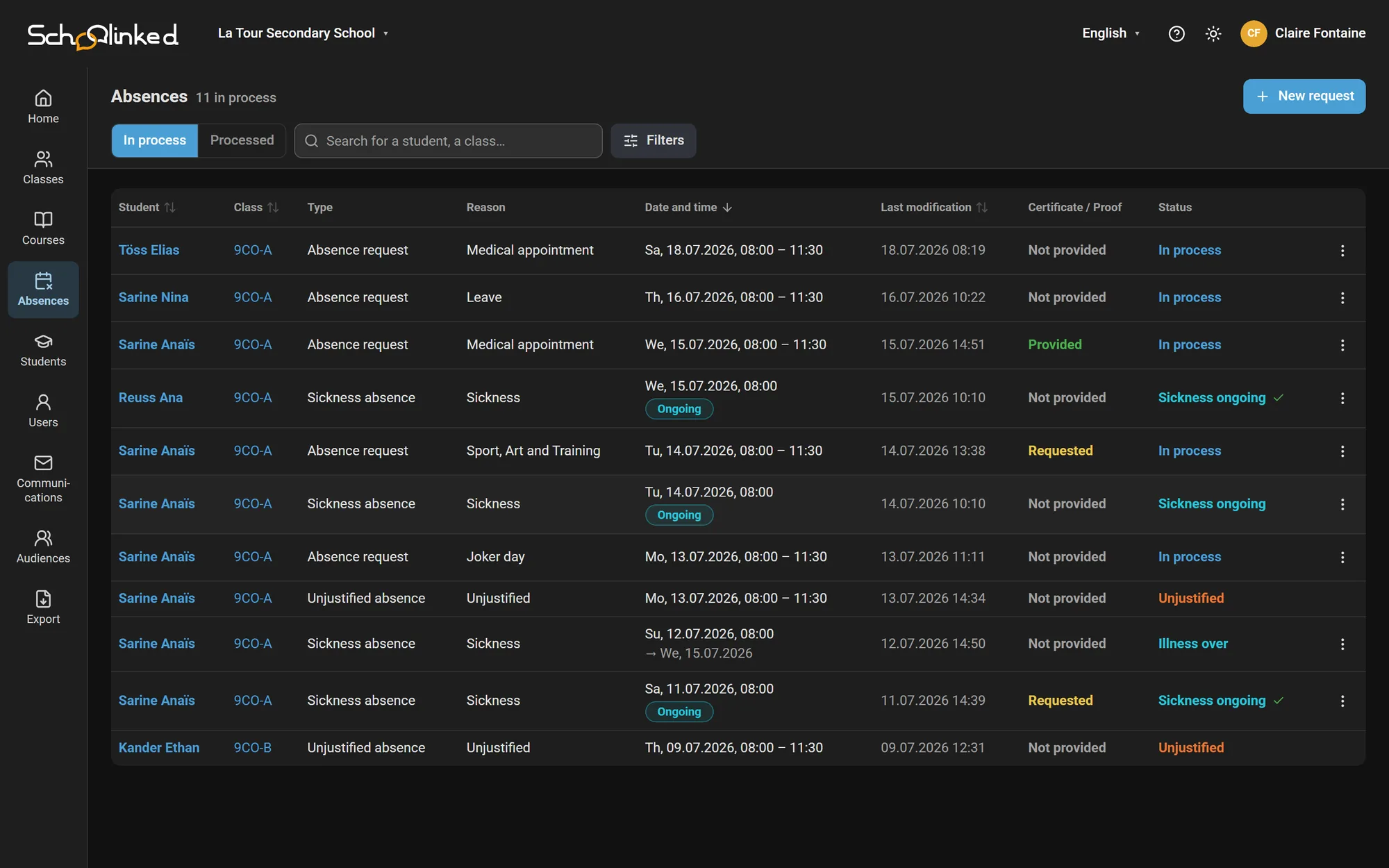


Every record is settled from its own page: approve, refuse, or ask the parents for proof.
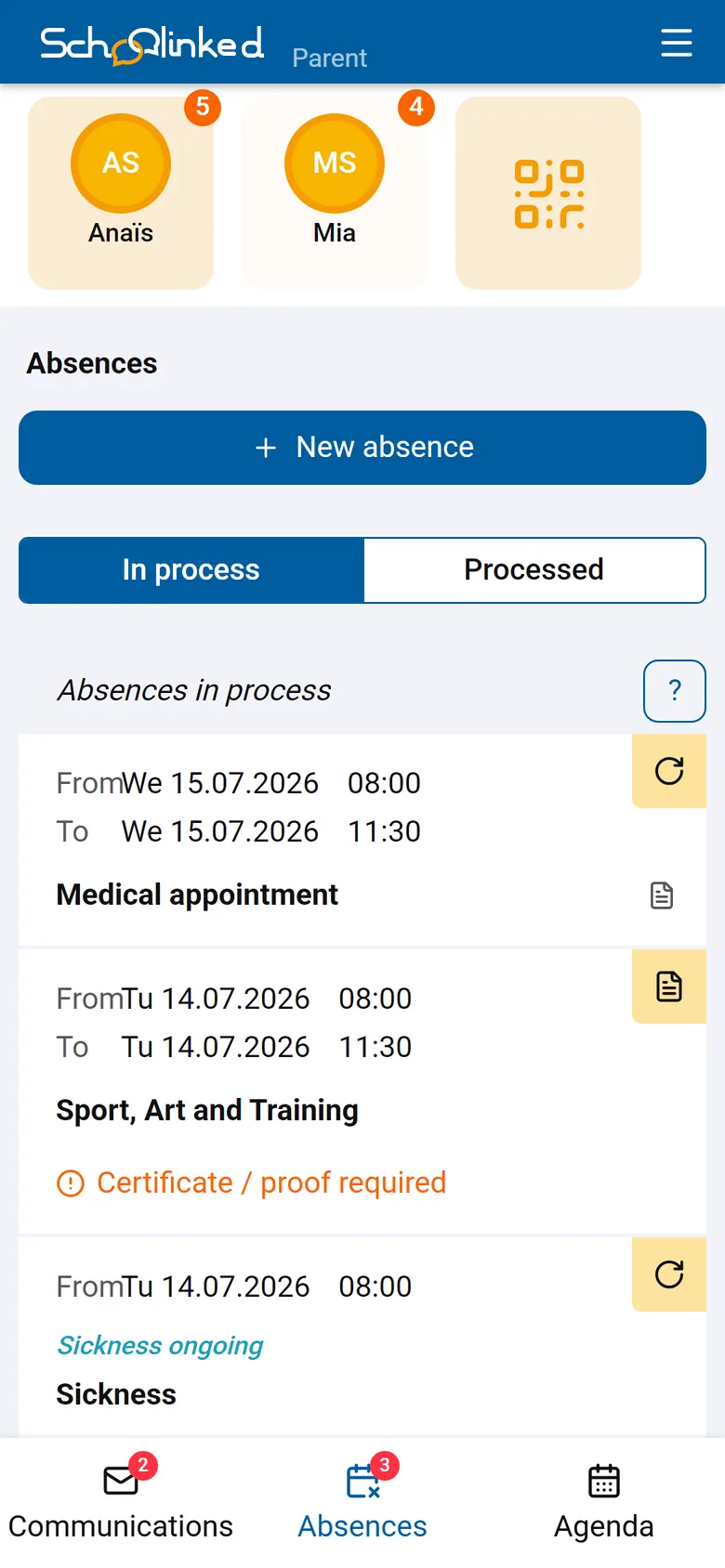
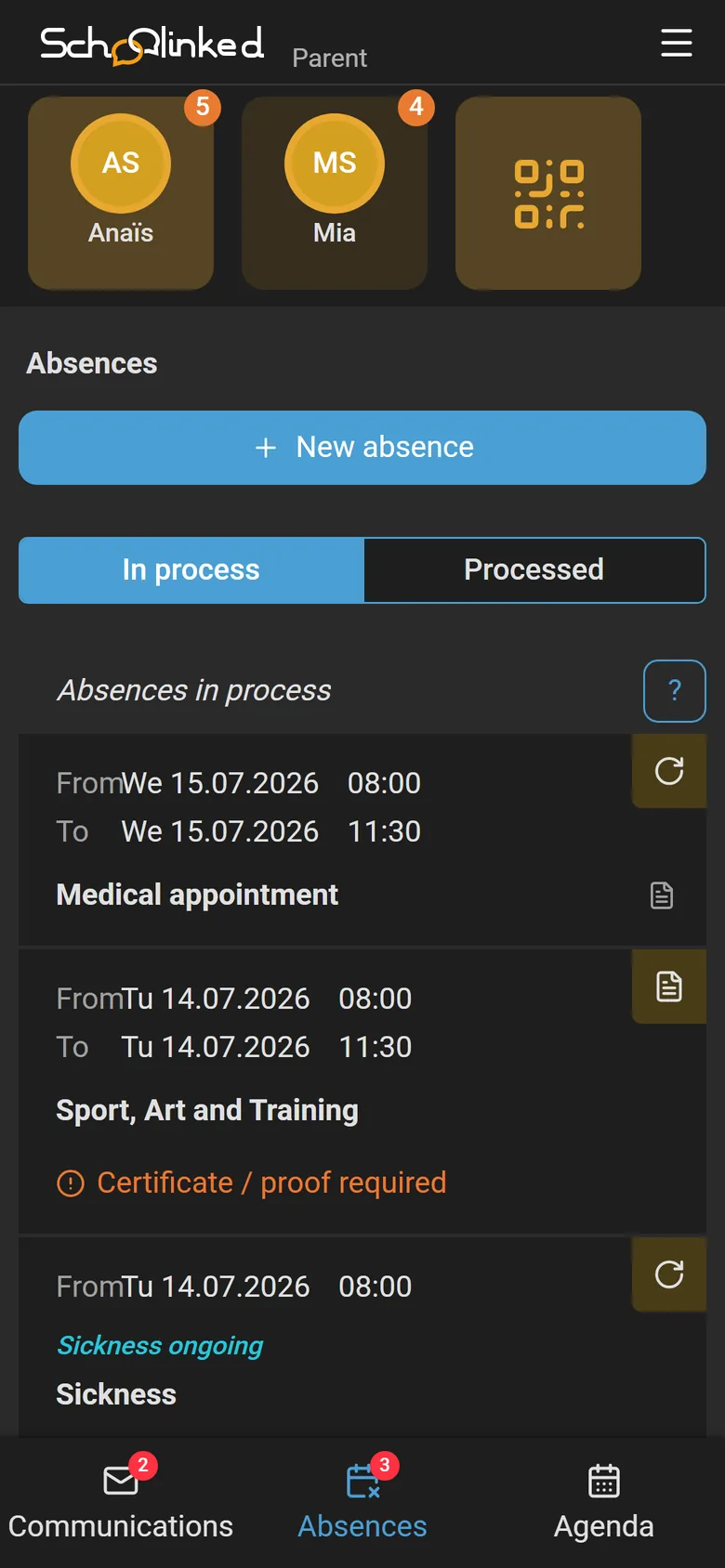
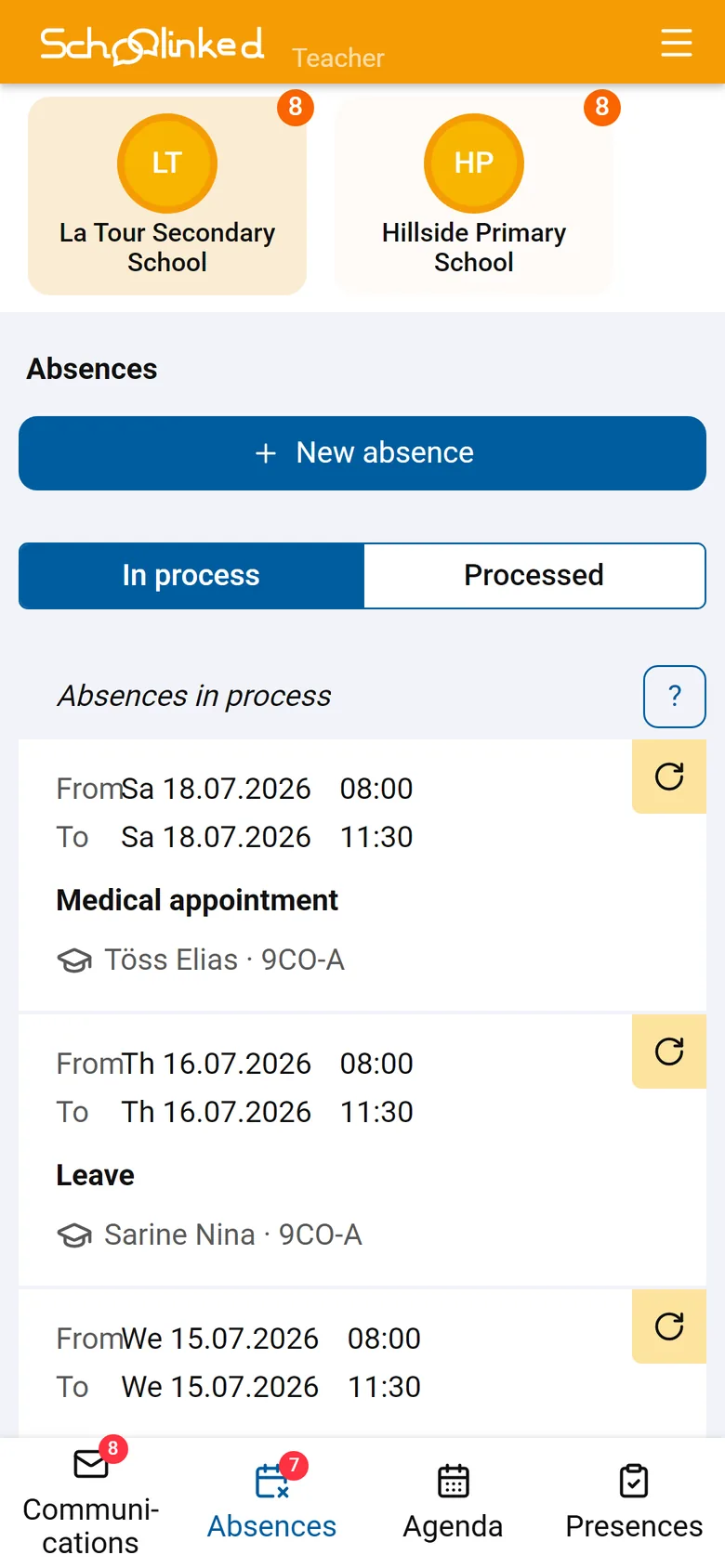
On the parent's phone: the same requests, with their status.
A school-wide overview for administration, a focused view for every teacher.
A teacher sees only their classes: their absent students, the absences they have to approve, their drafts and scheduled sends, their recent discussions.
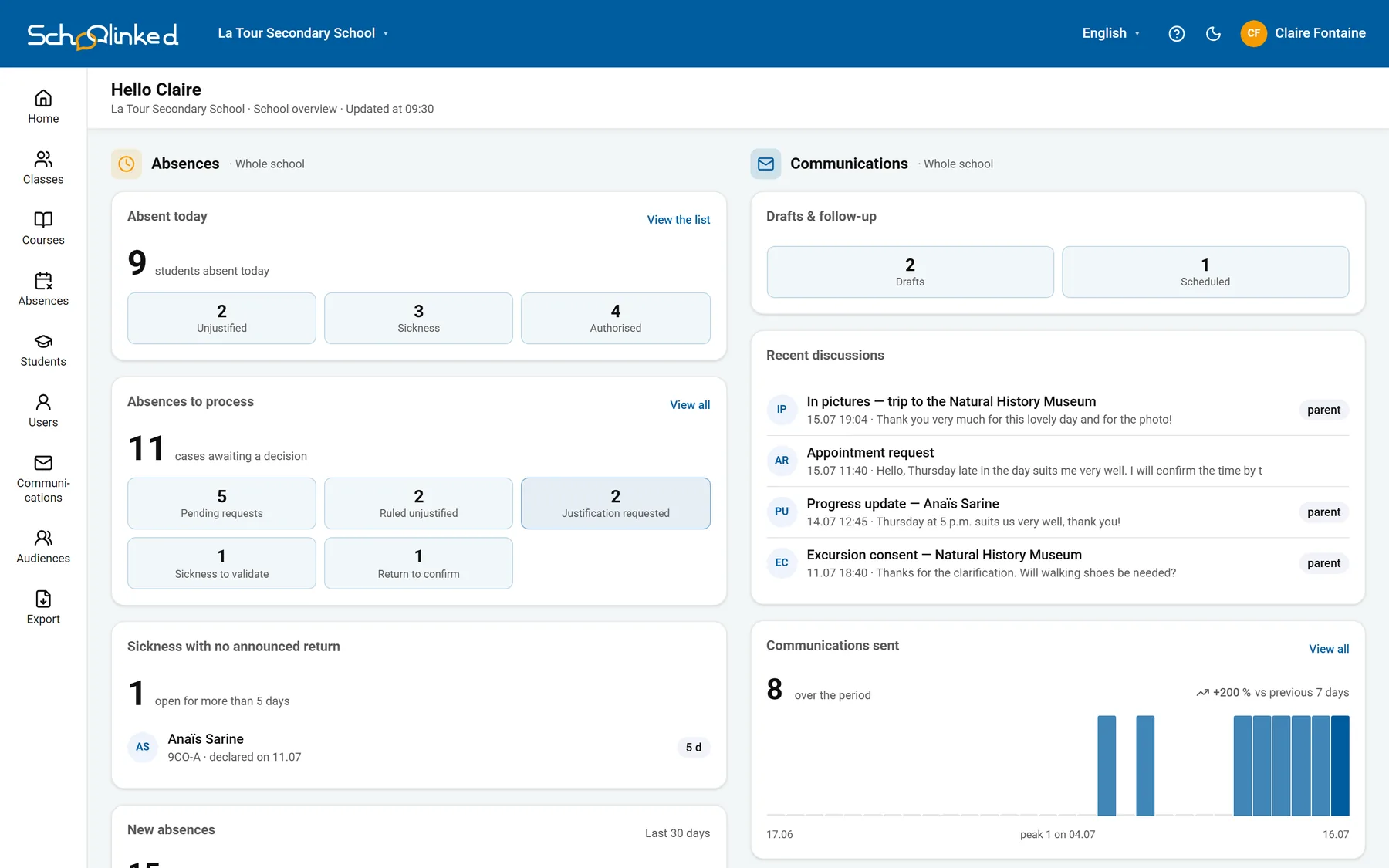
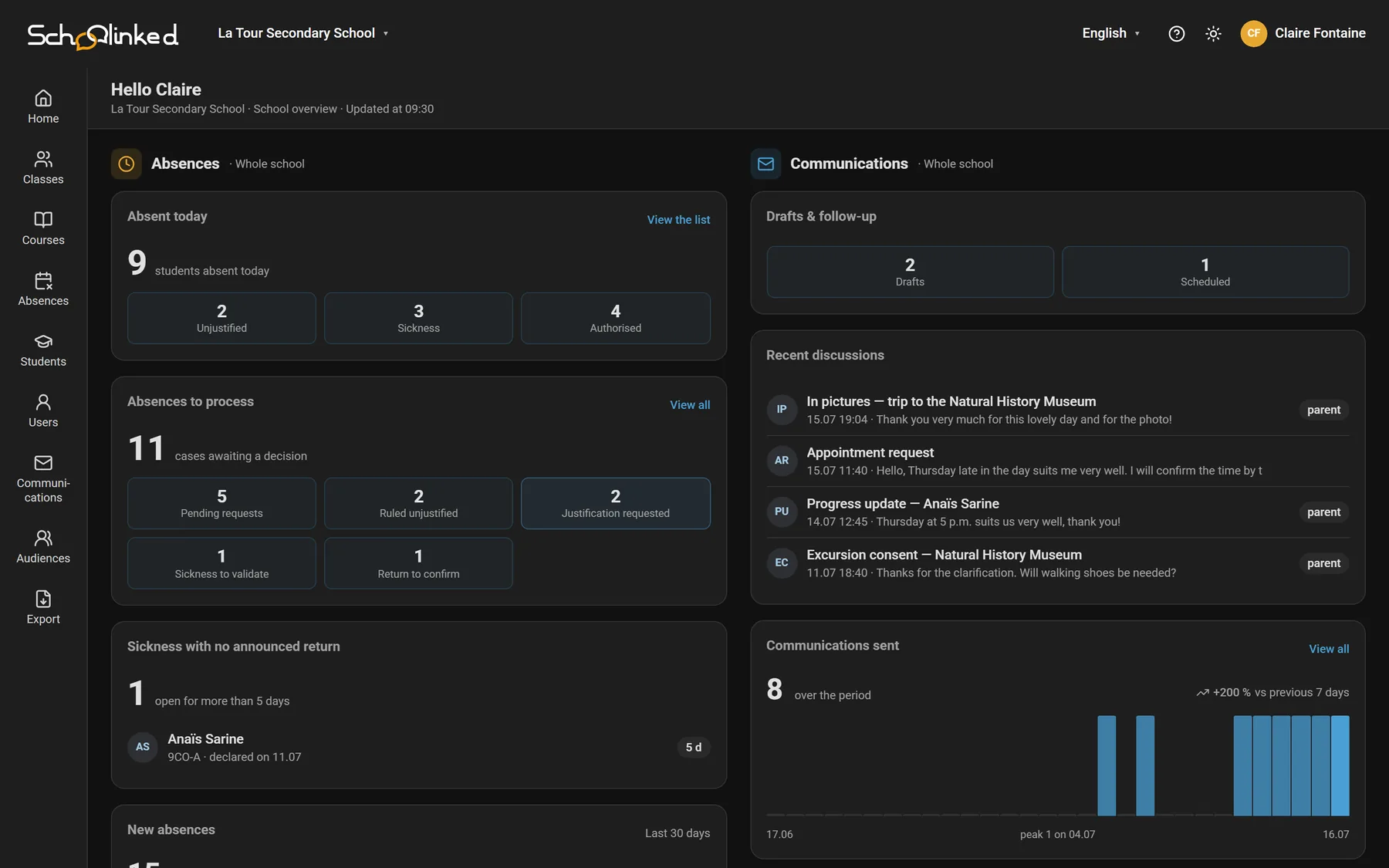
Today's absentees, cases awaiting a decision, sick leaves with no return announced, communications sent: the state of the school on one screen. Every figure leads to the people behind it.
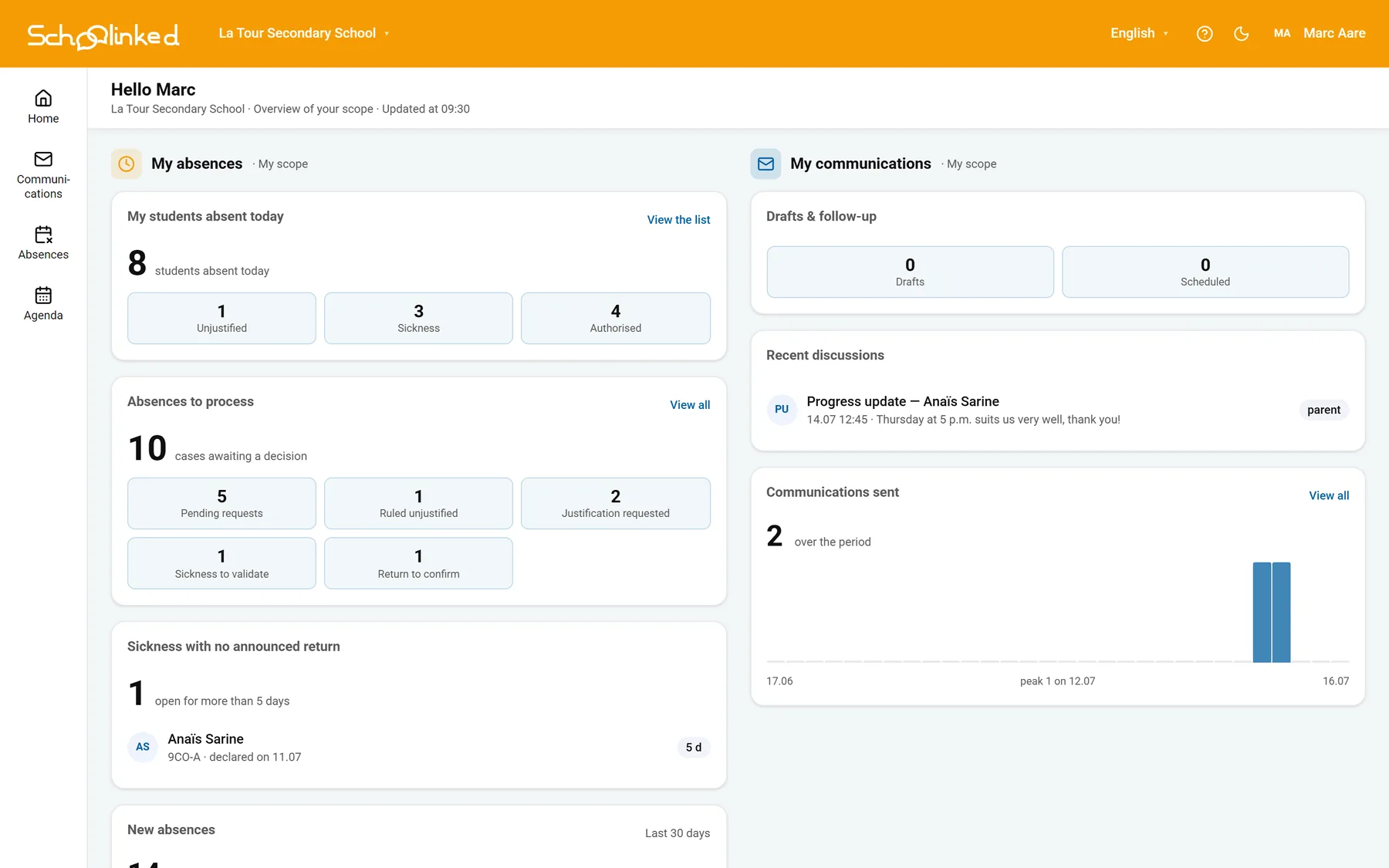
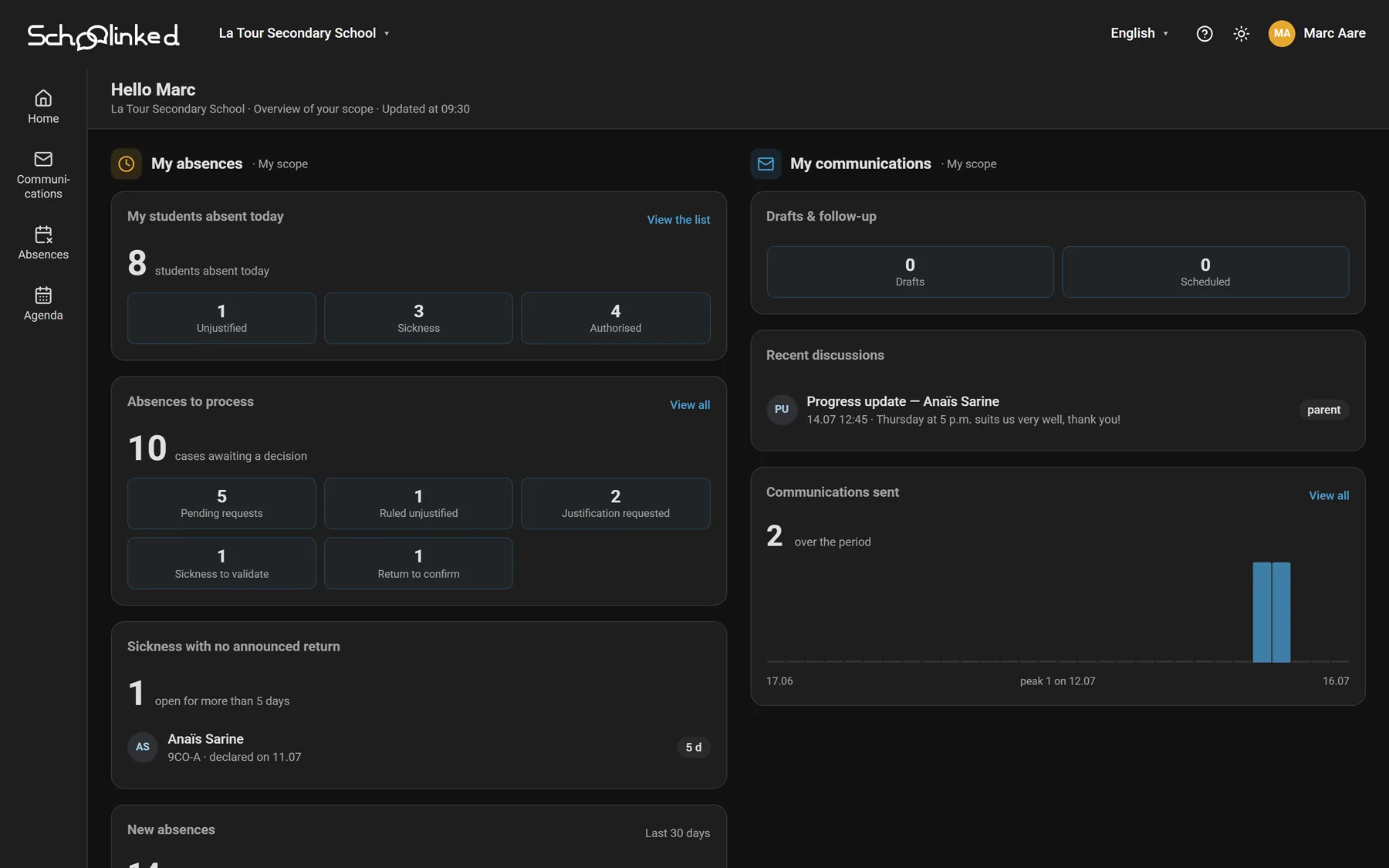
A teacher's dashboard. The administration's is shown at the top of this page.
Students, classes, courses, teachers and accounts: your whole school in one place, kept up to date by the office. Starting from scratch or from your current software, the data is there from day one.
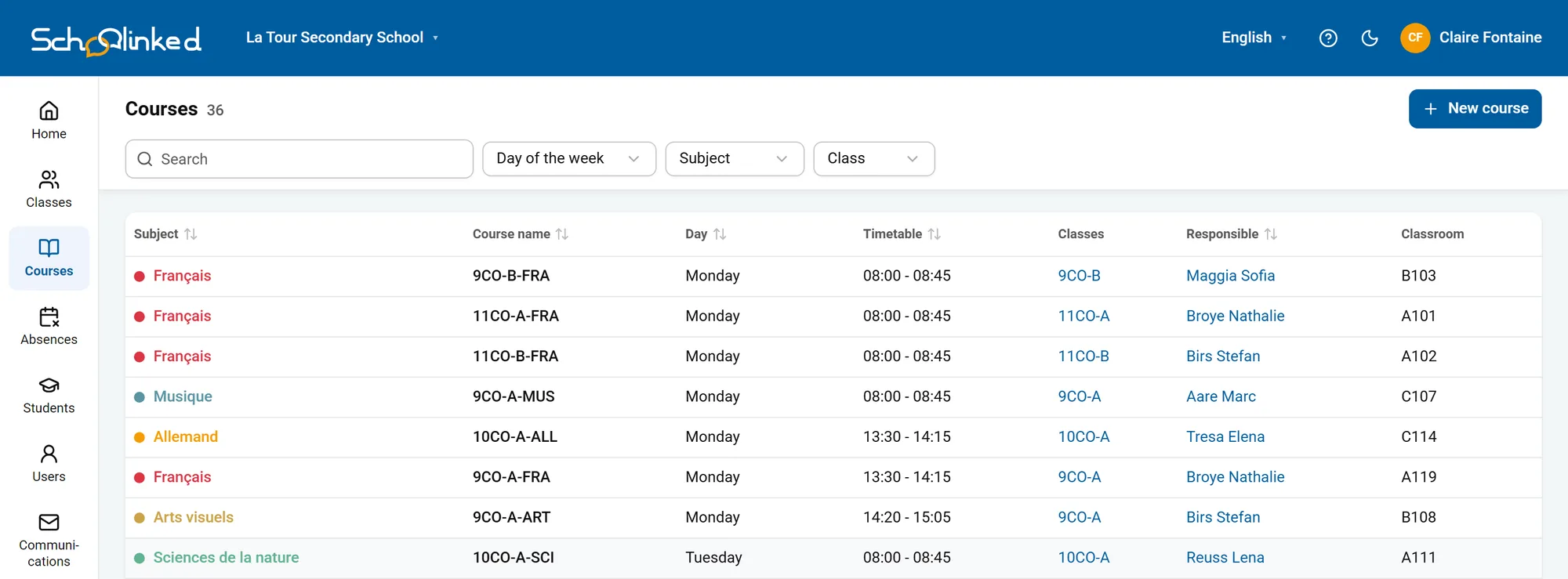
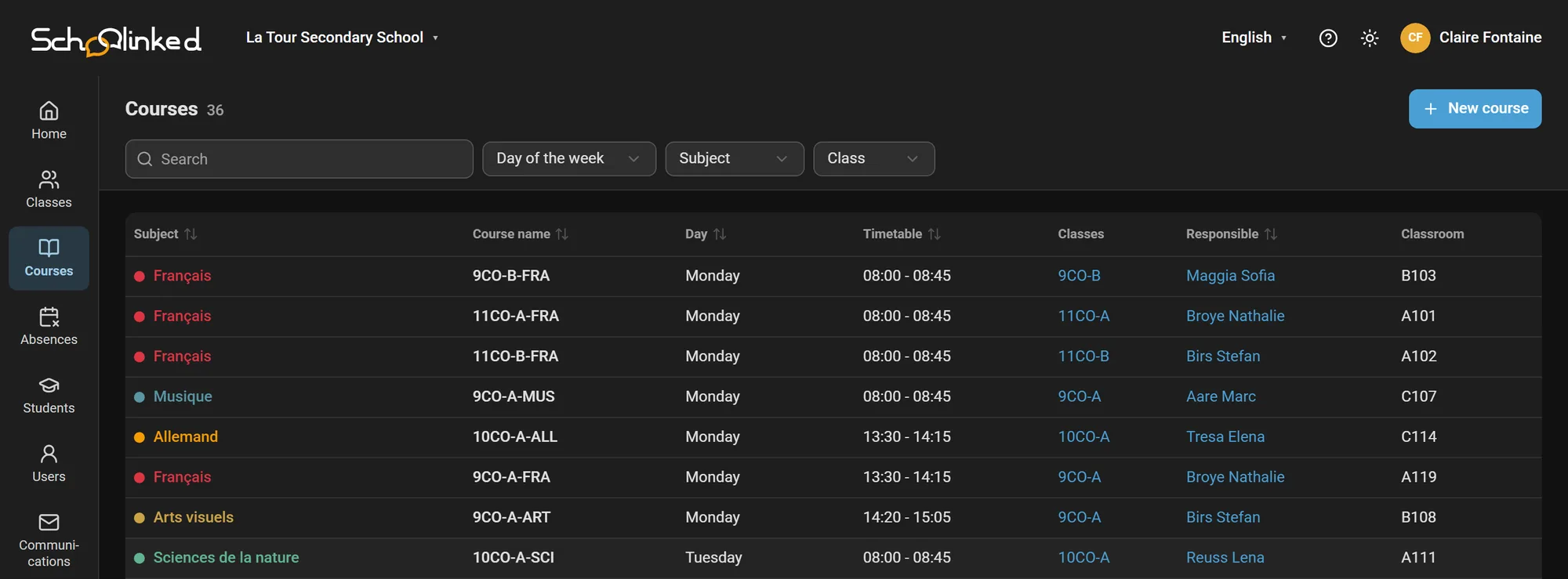
The course list, as seen by the administration. Subjects are colour-coded, and each course carries its timetable, class, teacher in charge and room.
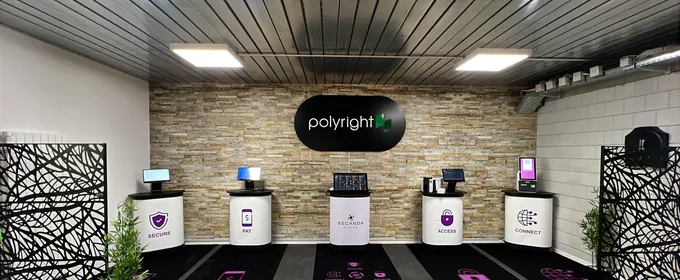
Our teams in Sion and Zurich install, train and answer, in your language.
Set up for your IT environment, then training for principals, office staff and teachers.
Students, classes, parents and teachers imported from your current software, with no double entry, at any time of year.
They install the app and link their child with the QR code provided by the school.
Schoolinked is built to Swiss data-protection standards, in line with the FADP and the GDPR.
Data is stored on servers in Switzerland by default, or on-premise at your school if preferred. Always subject to Swiss law.
Designed from day one to comply with the Swiss Data Protection Act (FADP) and the European GDPR.
Traffic is encrypted with TLS and stored data is encrypted at rest. Internal access is logged and limited to support work, at the school's request.
What we're asked most often before a demo.
Yes. Students, classes, parents and teachers are imported without double entry: by file import (CSV, Excel) or through a tailored connector using our open API. We look at integrating with your current school management software together. You can switch at any point in the year, and the Polyright team supports the migration.
Each child can have multiple reference adults (separated parents, step-parents, grandparents). A parent sees all their children in a single interface, even if they are in different classes or schools. Absence notifications and important messages can be sent to multiple recipients automatically.
Schoolinked works in any web browser (computer, tablet, smartphone), so installing an app is optional. The interface is available in French, German, Italian, and English; each parent chooses their language independently of the school's.
Schoolinked is billed to the school (or the municipality or canton), never to parents. Pricing depends on the number of students, with volume discounts. The app and web portal are free for parents and students. Ask for a quote based on the size of your school.
Data is kept for as long as the child is enrolled at your school, plus a configurable legal archiving period (typically 1 to 5 years depending on the canton). After that, data is anonymized or deleted. You keep full control: a retention policy your school configures, exports available at any time, and hosting in Switzerland, or even on your own premises.
Discover Schoolinked in action: short tutorials for teachers and parents.
Give your school community the tools for structured, secure, and efficient communication.